
How to Cancel Resume.io (2026): Avoid the $29.95
Cancel Resume.io before the $29.95 four-week renewal: the 30-second cancel page, account settings, the extension trap, and the 7-day money-back guarantee.

Raman M.
Software Engineer & Founder of ResumeFast

On this page
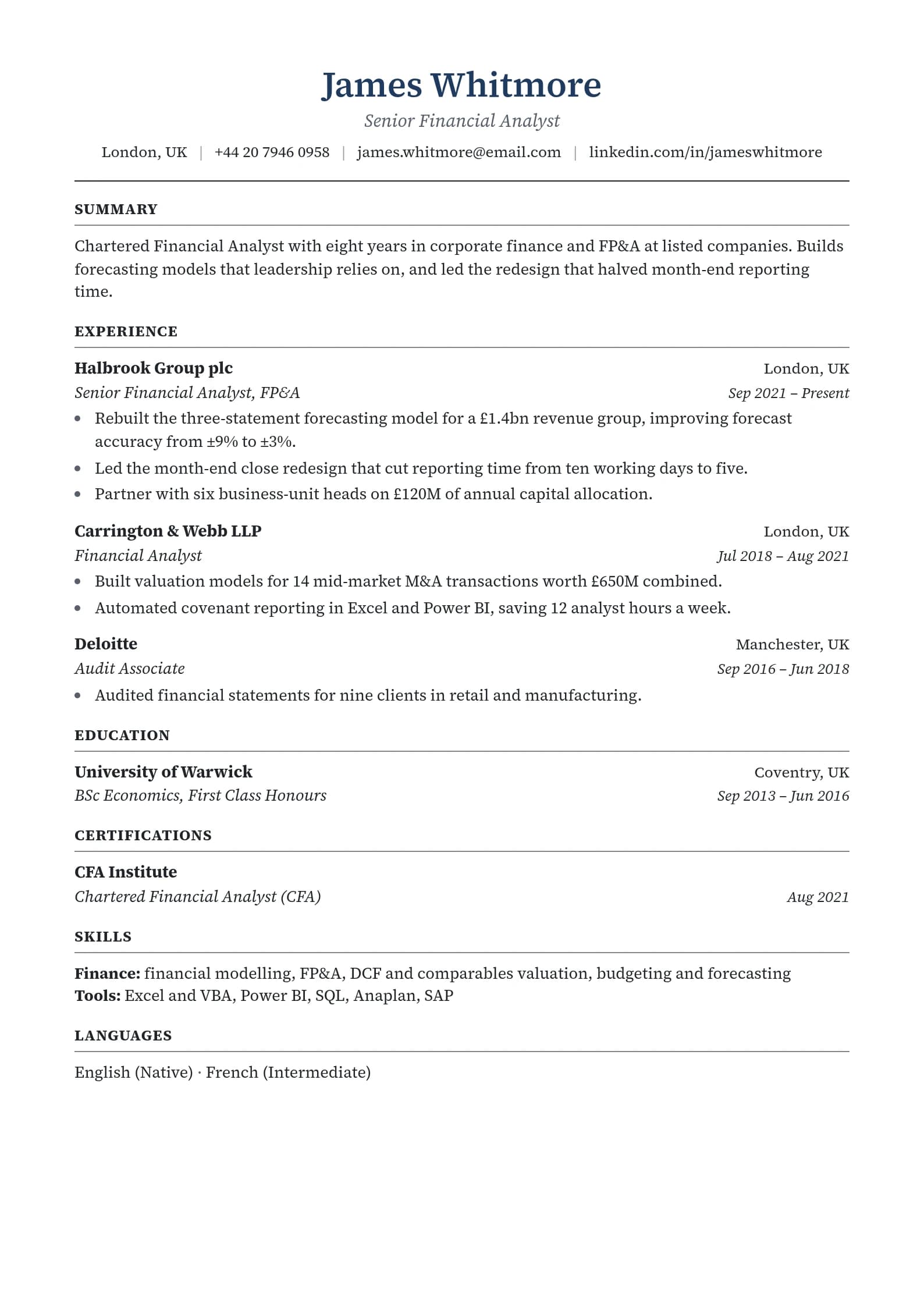
Build a resume that gets interviews
- ATS-optimized templates
- AI-powered writing
- Free to start
No credit card required
To cancel Resume.io, open resume.io/contact/cancel-subscription and enter the email you log in with, or cancel from your account. Finish the full cancellation rather than accepting a subscription "extension," and do it before the next four-week renewal of $29.95. Resume.io offers a 7-day money-back guarantee.
Everything here comes from Resume.io's pricing page, cancel page and help article on payments, refunds and cancellations, checked on October 6, 2026.
Why you were charged $29.95
Resume.io's trial costs $2.95 for 7 days. In the pricing page's words, "After 7 days, auto-renews to $29.95 billed every 4 weeks." Its FAQ adds that if you don't cancel, "you are automatically subscribed to the premium monthly membership."
- Four weeks isn't a month. That's 13 charges a year, $389.35 in total, or about $32.45 a month.
- The renewal date drifts. A 28-day cycle moves earlier each calendar month, so a fixed reminder like "the 10th" won't stay accurate.
Cancel on the dedicated page (fastest)
- Go to resume.io/contact/cancel-subscription, titled "Cancel Your Subscription in 30 seconds."
- Enter the email you use to log in to Resume.io. A different address won't match your account.
- Follow the prompts to the end.
- Keep the confirmation email or a screenshot.
Cancel from your account
Resume.io's pricing FAQ says you can "upgrade, downgrade, or cancel your plan at anytime from the app." Sign in, open your account settings, find your subscription and cancel it. Confirm and save proof.
The extension trap
Resume.io's own help article explains the most common reason people get charged after "canceling": "it may be because you selected a subscription extension instead of completing the full cancellation process. When the extension period ends, the system automatically reactivates the subscription."
If you're offered an extension or discount while canceling, decline it and keep going until you see a cancellation confirmation. If you were charged after receiving a confirmation, the same article says Resume.io's billing team will review it, so send them the confirmation.
Getting a refund
Resume.io's pricing page promises "a good ol' fashioned, no questions asked, 7‑day money back guarantee. If you purchase a plan and decide within 7 days that you didn't get your money's worth, we'll give you a refund."
- Within 7 days of a charge: ask for the refund through Resume.io's contact page.
- Renewed earlier than you expected? Its help article says to tell them, and the billing team will review your renewal history.
Save your content first
The free plan still lets you download one resume as plain text (.txt), and that's enough to keep your words. Download it, or copy each section into a document, before you cancel. Any builder can lay the text out again in minutes.
If you're leaving over the billing
If four-week billing is the problem, compare renewal prices, not trial prices. Our resume builder pricing comparison shows 15 builders, including Zety and Resume.io side by side, and best Resume.io alternatives covers the closest replacements.
Disclosure: ResumeFast is our builder. Building is free, and your first PDF or Word download is free, so you can see the finished file first. After that, PDF and Word need Pro at $6.95 a month, billed each calendar month with no trial. Cancel from the billing page, and we refund in full if you ask within 7 days of a charge, the same window as Resume.io's.
Frequently Asked Questions
Where is the Resume.io cancellation page?
It's at resume.io/contact/cancel-subscription. Enter the email you use to log in and follow the prompts to the confirmation. You can also cancel from your account in the app.
Why was I charged after cancelling Resume.io?
Resume.io's help center says the usual reason is choosing a subscription extension instead of completing the cancellation: when the extension ends, the subscription reactivates. If you have a cancellation confirmation and were still charged, Resume.io says its billing team will investigate.
Why was I charged $29.95 after a $2.95 trial?
The $2.95 trial lasts 7 days and then auto-renews at $29.95 billed every four weeks unless you cancel.
Can I get a refund from Resume.io?
Resume.io offers a 7-day money-back guarantee: if you decide within 7 days of a purchase that it wasn't worth it, it refunds you. Contact it through its contact page.
Does canceling Resume.io delete my resume?
Canceling stops the paid plan; Resume.io doesn't say it deletes your account. The free plan covers only one resume and one cover letter with plain-text downloads, so download or copy your content before you cancel.
Done with Resume.io? See is Resume.io free? for what the free plan keeps, or build your resume free in ResumeFast and check it with a free ATS scan.
Your resume is your first impression. Make it count.
Build an ATS-optimized resume that gets read, with AI help on every section.
No credit card required. Your first PDF or Word download is free; after that, Pro is $6.95 a month.
Continue Reading
View all articles
Is Resume.io Free? What You Actually Pay in 2026

How to Cancel Zety (2026): Stop Renewals and Get a Refund

Best Indeed Resume Builder Alternatives in 2026

Best Resume Genius Alternatives in 2026

Best Teal Resume Builder Alternatives in 2026

Is Jobscan Free? Free Scans, Pricing and the Trial (2026)
Build a resume that gets interviews
Ready to build your resume?