
How to Cancel LiveCareer (2026): Stop Renewals, Get a Refund
How to cancel LiveCareer: the settings route, phone 800-652-8430, chat and email, the 14-day refund window, why you were charged $23.95 and what to save first.

ResumeFast Team
The team behind ResumeFast

On this page
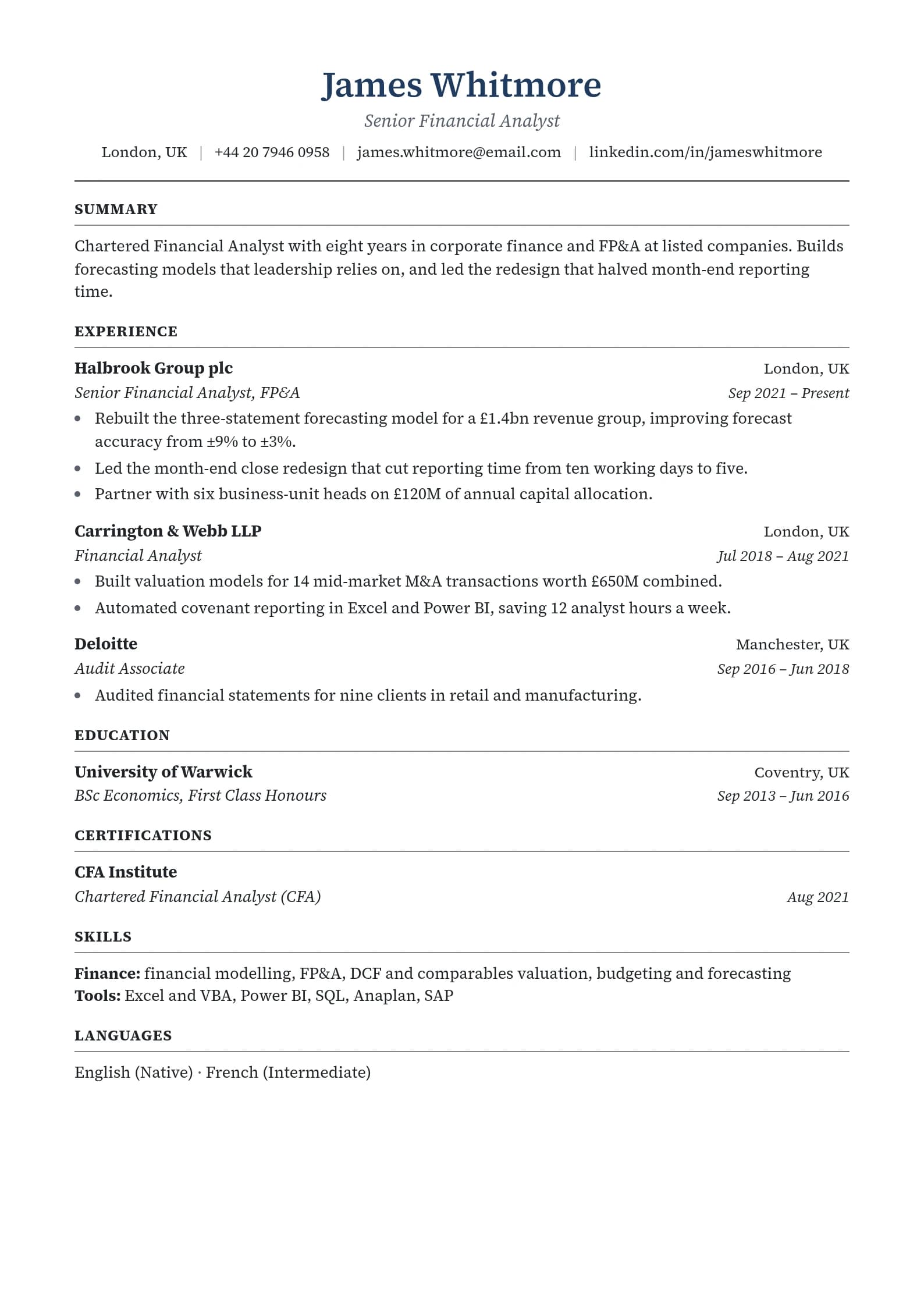
Build a resume that gets interviews
- ATS-optimized templates
- AI-powered writing
- Free to start
No credit card required
You paid $2.95 to download a resume. Two weeks later a $23.95 charge from LiveCareer showed up, and it will keep coming every four weeks until you stop it. Here is how, using only what LiveCareer's own pages say.
To cancel LiveCareer, sign in, open Settings from your profile name and go to Subscription, or call customer service at 800-652-8430 (US and Canada), use live chat, or email customerservice@livecareer.com. LiveCareer's terms say it emails a cancellation number for every cancellation, so you aren't done until that email arrives. For money back, ask within the first 14 days: that's the window LiveCareer's pricing page advertises, and after it refunds aren't guaranteed.
Our sources, and their dates. LiveCareer's site didn't load for us on November 15, 2026, so every quote below comes from LiveCareer's own pages as saved by the Internet Archive: the terms of use ("Last Updated: August 25, 2026", saved October 12, 2026), the FAQ (saved July 21, 2026), the contact page (saved August 7, 2026) and the pricing page (saved May 19, 2026). Prices can change after a snapshot, so the line under the checkout button is what you agreed to.
Why LiveCareer charged you $23.95
The pricing page saved in May 2026 showed two paid plans and a free one:
| Plan | What you pay first | What happens next |
|---|---|---|
| 14-Day Premium Access | $2.95 | "After 14 days, auto-renews at $23.95, billed every four weeks." |
| Annual Premium Access | $71.40 up front | "Billed annually. Auto-renews each year." |
| Free Basic Access | $0 | Builder and TXT downloads only |
The same page's FAQ calls the renewal "a monthly subscription of $23.95", then explains that "you will be billed every four weeks from the date of your initial purchase." Every four weeks is not monthly. It's 13 charges a year, $311.35 in total, or about $25.95 a month on average, and the charge date creeps earlier on the calendar each time.
What it costs if you forget to cancel
Start the $2.95 plan on day 1 and never cancel. The renewals land on day 15, then every 28 days after that:
| If you forget for... | Charges | Total |
|---|---|---|
| Under 14 days | The $2.95 plan only | $2.95 |
| 1 month (day 30) | $2.95 + one renewal | $26.90 |
| 3 months (day 90) | $2.95 + three renewals (days 15, 43, 71) | $74.80 |
| 12 months | $2.95 + 13 renewals | $314.30 |
| Annual plan instead | One charge | $71.40 |
By the third renewal, on day 71, the four-week plan has cost more than a whole year of the annual plan.
Not sure the charge is LiveCareer? The FAQ says it appears as BLD*LIVECAREER.COM or Livecareer.com, and the contact page adds PayPal *LIVECAREER. The BLD prefix matches BOLD LLC, the company LiveCareer's terms name.
Before you cancel: save these five things
Do this first, because some of it gets harder once the subscription ends:
- Download your resume as PDF and Word now. The terms say a registered user without a subscription "will not be able to print, download or share" documents. (Its storage section says you can still view and edit them; section 4 says view only. Either way, downloads stop.)
- Copy the text into a plain document. Your words are what another builder needs. The free plan's TXT download also keeps working.
- Note the date and amount of your first payment. The refund window counts from it.
- Unpublish your online profile if you made one. The terms say "the cancellation of your subscription will not result in the unpublishing of your Profile from the public resume database." The FAQ's route: account settings, then Privacy Settings, then unpublish.
- Keep proof. Screenshot the final cancel screen and save the confirmation email with its cancellation number.
How to cancel LiveCareer online
The terms describe two routes: "by contacting our customer service department or by going to the online cancel page under your settings page." Step by step, per the FAQ:
- Sign in at livecareer.com with the email you paid with.
- Hover over your profile name at the top right and choose Settings.
- Select Subscription. The FAQ says that's where you'll also find the phone number and email to contact.
- Use the cancel option if it's there. If the page shows a phone number and email instead, use those. The terms say you can "cancel or sometimes suspend" a subscription, so make sure you finish a cancellation, not a pause.
- Wait for the email with your cancellation number. The contact page suggests checking spam if it's slow. No email? The terms say to contact customer service directly. Until you have that number, assume you're still subscribed.
Cancel by phone, chat or email
If the cancel option isn't there, or a renewal is today, reach a person. These come from the contact page and the FAQ:
| Route | Details |
|---|---|
| Phone (US and Canada) | 800-652-8430. Monday to Friday 8 am to 8 pm, Saturday 8 am to 5 pm, Sunday 10 am to 6 pm (CST) |
| Phone (UK) | 0808-189-0354, Monday to Sunday 9 am to 9 pm GMT |
| Accessible telephone service | (866) 599-7946, listed as a 24/7 line on the contact page |
| Live chat | From the contact page |
| customerservice@livecareer.com | |
| Terms questions | support@bold.com, the address the terms give |
A script that works on any channel: "Please cancel my LiveCareer subscription today, email me the cancellation number, and refund my latest charge. I first paid on [date]."
How to get a LiveCareer refund
LiveCareer's pages make three promises, and they get stricter as you go:
| Source | What it says |
|---|---|
| Pricing page (May 2026) | "Not satisfied in 14 days? Get a refund"; the $2.95 plan comes "with a money-back guarantee within those 14 days" |
| Terms (August 25, 2026) | "You may request a refund if notice of cancellation of your subscription is provided before the end of the initial period" and "Provider does not guarantee refunds" |
| FAQ (July 2026) | "LiveCareer cannot guarantee a refund in all cases" |
Read together: cancel and ask for the refund in the same call or email, before day 14. The 14-day access, the first renewal and the refund window all hinge on the same date. After a renewal, ask anyway and give your dates, but expect a case-by-case answer.
If you were charged after a confirmed cancellation, dispute it with your card issuer. The FTC's guide to disputing credit card charges (opened November 15, 2026) says to send your letter "so that it reaches the issuer within 60 days after the first bill with the error was sent to you," and that "within 90 days of getting your complaint, the issuer must resolve the dispute." A renewal you agreed to and forgot is a weaker case than one billed after you cancelled. This is general information, not legal advice.
A new card number may not stop the charges. The terms say "certain credit card issuers may automatically notify us of any updates in your credit card." Cancel the subscription itself.
What happens to your account and data after you cancel
| After you cancel | What the terms say |
|---|---|
| Future charges | "Your obligation to pay fees continues until you cancel your subscription" |
| Saved resumes and letters | Stay in your account; storage is free for registered users |
| PDF and Word downloads | Need an active subscription |
| TXT download | Free on the basic plan |
| Online profile | Stays published until you unpublish it or delete the account |
| Your data | Deleted only when you delete documents or the account; an archival copy is kept for recordkeeping |
To delete individual documents, the terms point to My Settings and the "Resumes" or "Letters" tabs. To remove everything from public view, delete or deactivate the account from My Settings or ask customer service. The FAQ adds that CCPA deletion requests go through sections 6(e) and 6(g) of LiveCareer's privacy policy.
The tracking inside downloaded files
One clause surprises people. The terms' "Resume Parsing" section says that "upon downloading your resume, you agree that Provider may include a metadata and an identifier into your resume" and share it with parsing companies, applicant tracking systems and employers, and that a downloaded Word file can report back "each time such document is opened." If you'd rather send a file that carries nothing but your words, paste your text into a fresh document or a different builder before you apply again.
LiveCareer is a Bold brand, like Zety
LiveCareer's terms are a contract with BOLD LLC and say the site "is owned by Bold Limited", the same wording our guides found in the terms of Zety and MyPerfectResume. If four-week billing is the reason you're leaving, a sister brand will feel familiar. Our resume builder cost comparison puts renewal prices for 15 builders side by side.
If you want a builder with plainer billing
Disclosure: ResumeFast is our builder, so here are the plain facts. Building is free with no card, plain text is always free, and your first PDF or Word download is free, so you see the finished file before paying. After that file, PDF and Word need Pro at $12.95 a month, charged at checkout with no trial that converts. You cancel from the billing page, and we refund in full if you ask within 7 days of a charge. LiveCareer's ready-made content for each industry is a real strength; if that's what you liked, weigh it.
Before your next application, paste your resume and the job post into the free keyword matcher, no account needed.
Frequently Asked Questions
How do I cancel my LiveCareer subscription?
Sign in, hover over your profile name, choose Settings and then Subscription, and cancel there. You can also call 800-652-8430 (US and Canada), use live chat or email customerservice@livecareer.com. LiveCareer's terms say it emails a cancellation number when the cancellation is done.
Why did LiveCareer charge me $23.95?
The $2.95 plan is 14 days of premium access. LiveCareer's pricing page, as saved in May 2026, said it auto-renews after 14 days at $23.95, billed every four weeks, until you cancel.
Can I get a refund from LiveCareer?
LiveCareer's pricing page advertised a refund if you're not satisfied within 14 days, and its terms say you may request one if you cancel before the end of the initial period. The terms also say refunds aren't guaranteed, so cancel and ask before day 14.
What is the LiveCareer customer service number?
800-652-8430 in the US and Canada, Monday to Friday 8 am to 8 pm, Saturday 8 am to 5 pm and Sunday 10 am to 6 pm CST. The UK number is 0808-189-0354.
Will I lose my resume if I cancel LiveCareer?
No. Your documents stay in your account, but without a subscription you can't print, download or share them as PDF or Word. Download them, or copy the text, before you cancel.
What is BLD LIVECAREER.COM on my statement?
LiveCareer's FAQ says its charges appear as BLD*LIVECAREER.COM or Livecareer.com. The BLD prefix matches BOLD LLC, the company LiveCareer's terms of use name.
Leaving LiveCareer? Compare what other builders really cost in our resume builder cost comparison, or build your resume free in ResumeFast and check it with a free ATS scan.
ResumeFast Team
The team behind ResumeFast
The team that builds ResumeFast's resume templates and ATS checker and writes its expert reviews..
ResumeFast Pro is $12.95 a month
Building is free, and so is your first PDF or Word download. Pro adds more PDF and Word files, unlimited ATS checks, tailoring for each job and AI cover letters.
No trial. Cancel anytime from the billing page.
Continue Reading
View all articles
Best LiveCareer Alternatives, Cheaper and Free

How to Cancel ResumeBuilder.com and Get a Refund

Is MyPerfectResume Free? What You Pay to Download

Is VisualCV Free? What the Free Plan Includes (2026)

Is Kickresume Free? Free Plan, Pricing and Refunds (2026)
