Why Columns and Tables Break Your Resume in ATS
Multi-column resumes and tables can scramble your information in an ATS. Learn why it happens and how to get a clean single-column layout.

Raman M.
Software Engineer & Career Coach

On this page
Build a resume that gets interviews
- ATS-optimized templates
- AI-powered writing
- Free to start
No credit card required
You found a gorgeous resume template. Two clean columns, a tidy sidebar with your skills, a neat little table for your tech stack. You export the PDF, it looks sharp, and you start applying. Then nothing happens. No callbacks, no rejections, just silence. Sound familiar?
Here is the direct answer: many Applicant Tracking Systems read a resume the way you read a page of text, left to right, top to bottom, in one continuous flow. A two-column layout or a table can get flattened into a scrambled, out-of-order mess where a skill lands in the middle of a job title and your dates float off into a random sentence. The parser does not "see" your columns the way your eyes do. It just grabs text in the order the file stores it, and that order is often nothing like the visual layout. A single-column layout is the safe default, and switching to one is usually the single biggest fix you can make.
Why does this happen at all? Because up to 75% of resumes are filtered before a human sees them, and that filtering depends on a machine correctly reading your file. When the machine cannot tell your job title from your skills list, it cannot match you to the role. Your experience might be perfect, but if it arrives as word soup, the system scores you as a poor fit and moves on.
How an ATS Actually Reads Your Layout
An ATS does not look at your resume. It extracts text from the file and tries to sort that text into fields like name, work history, education, and skills. With a clean single-column document, the reading order matches what you see, so the parser gets your job title, then your company, then your bullet points, in that order. Everything lines up.
The trouble starts when a layout puts two pieces of content side by side. Visually, your eye handles columns easily. It reads down the left, jumps back up, reads down the right. A parser usually does no such jumping. Depending on how the file is built, it may read straight across both columns line by line, stitching the left and right sides together into one tangled stream.
Here is a "reading order" before and after illustration. This is what a recruiter sees in a two-column template:
LEFT COLUMN              RIGHT COLUMN
-----------              ------------
SKILLS                   WORK EXPERIENCE
Python                   Senior Analyst, Acme Corp
SQL                      2021 to 2024
Tableau                  Built dashboards for sales team
Excel                    Cut reporting time by 40%
And here is how the ATS often flattens that same layout, reading across the page line by line:
SKILLS WORK EXPERIENCE
Python Senior Analyst, Acme Corp
SQL 2021 to 2024
Tableau Built dashboards for sales team
Excel Cut reporting time by 40%
Look at what happened. "Python" is now glued to "Senior Analyst, Acme Corp." Your job title has a programming language stapled to the front of it. The parser tries to figure out where your work history starts and finds "SKILLS WORK EXPERIENCE" as the heading. Your dates, "2021 to 2024," now read as if they belong to "SQL." The information is all technically present, but the structure that gives it meaning is gone.
Now compare that to a clean single-column version, where the reading order is the visual order:
WORK EXPERIENCE
Senior Analyst, Acme Corp
2021 to 2024
Built dashboards for sales team
Cut reporting time by 40%

SKILLS
Python, SQL, Tableau, Excel
Same content, same person, same achievements. But now the parser reads it top to bottom and gets clean, labeled fields. The job title is a job title. The skills are a skills list. Nothing is interleaved. This is the difference between getting scored accurately and getting silently rejected.
Why It Looks Fine to You but Not to the Parser
This is the part that catches people off guard. Your eyes are extremely good at reading layout. You see whitespace, alignment, and visual grouping, and your brain instantly understands that the left sidebar is separate from the main body. A text parser has none of that intuition. It works from the underlying structure of the file, not the picture on your screen.
Design tools make this worse without warning you. Canva-style templates, and many polished Word and InDesign templates, build their pretty layouts using exactly the structures parsers struggle with: invisible tables, text boxes, and side-by-side column frames. The template looks professional because those tools are built for visual design, not for machine readability. The features that make a template look modern are often the same features that scramble it in parsing. This is a big reason why Canva resumes fail ATS even when they look stunning.
Tables deserve special mention. A table for your skills, with neat cells and borders, reads cleanly to your eye. To a parser, a table can be read cell by cell in an order you cannot predict, or collapsed so that "JavaScript" and "Project Management" end up smashed together with no separator. Nested tables, a table inside a table, multiply the chaos. What you see as a tidy grid, the machine may see as a jumbled string.
Layout Element Risk Reference
Use this table to spot the risky structures in your current resume and swap them for safe ones.
| Layout Element | Risk Level | ATS-Safe Alternative |
|---|---|---|
| Two-column layout (skills left, jobs right) | High | Single column, full width, top to bottom |
| Sidebar (contact or skills in a side panel) | High | Move contact to the top, skills into a normal section |
| Table for skills or tech stack | Medium to High | Plain text list separated by commas or simple bullets |
| Nested tables (table inside a table) | Very High | Remove tables entirely, use headings and lists |
| Text boxes (floating content blocks) | High | Inline text in the main document flow |
The pattern across every row is the same. Anything that places content outside the normal top-to-bottom flow of the document is a risk. Anything that keeps content in one straight reading order is safe.
The Simple Fix
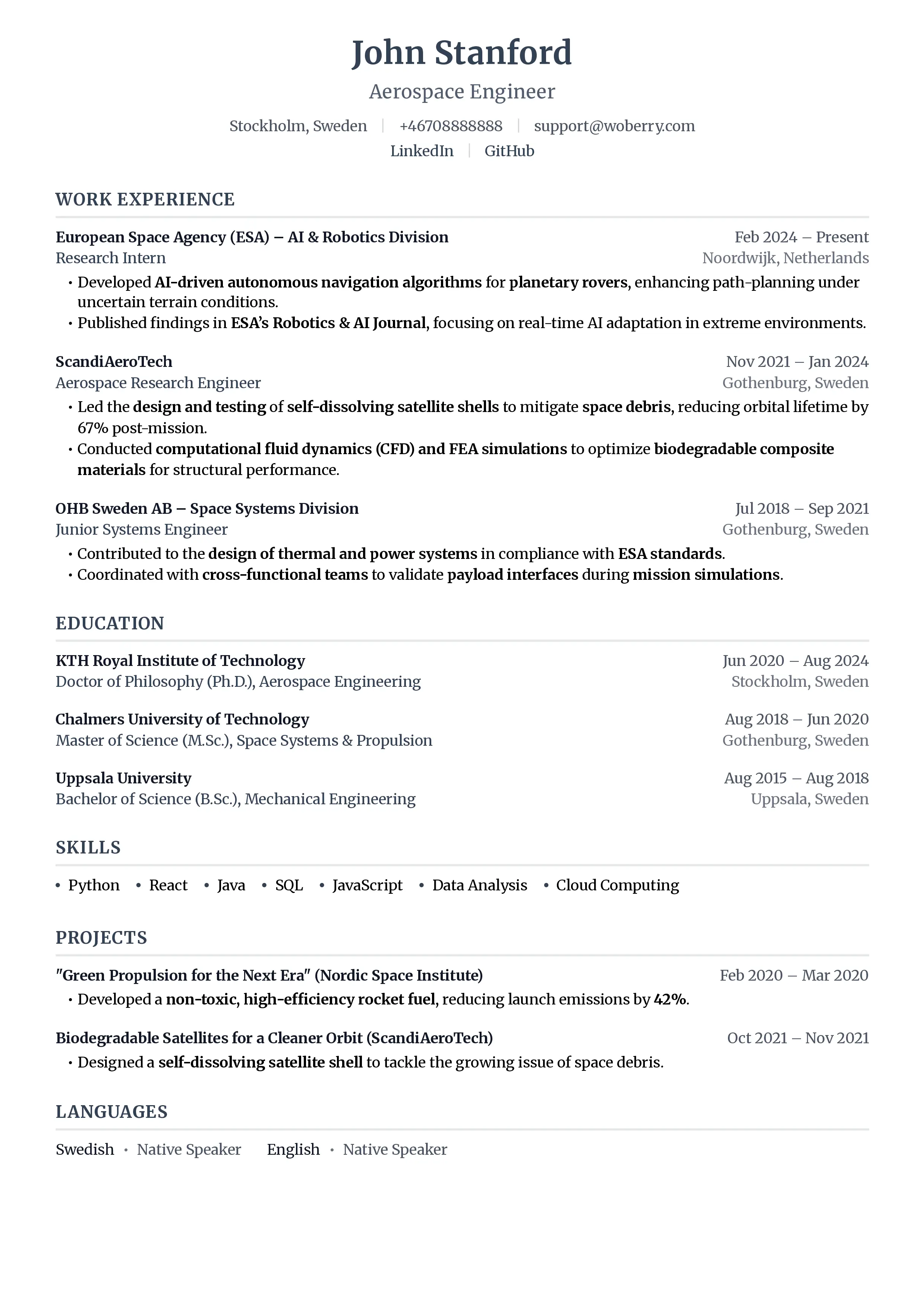
You do not need a fancy template to look professional. A clean single-column resume with clear section headings, standard fonts, and real text instead of tables will parse correctly and still look polished to a human reader. Put your name and contact details at the top, then sections in plain vertical order: summary, experience, skills, education. Use simple bullet points, not tables, for lists. Skip text boxes and sidebars entirely.
If you have already built your resume in a design tool and you are not sure whether the structure is hurting you, do not guess. You can run it through ResumeFast's ATS Checker to see how the parser actually reads your file, then rebuild anything that comes back scrambled. It is also worth learning how to test your resume for ATS compatibility so you can verify any future version before you apply.
Frequently Asked Questions
Do two-column resumes always fail an ATS?
Not always, but they are a real risk. Some modern systems handle columns better than older ones, and you usually cannot tell which system a given employer uses. Because a single-column layout parses reliably across almost every ATS, it is the safer default. If you love a two-column look, save it as a "human" version for networking and use a clean single-column version when you apply online.
Are tables safe to use anywhere on a resume?
Tables are risky anywhere a parser needs to read the content as structured fields. A skills table or a tech-stack grid can scramble into an unreadable string. If you want to show skills, use a plain comma-separated list or simple bullet points instead. The only thing a table reliably does is make your content harder for the machine to read.
How can I tell if my layout is breaking in an ATS?
The quickest test is to copy all the text from your PDF and paste it into a plain text editor. If the order looks scrambled, with skills mixed into job titles or dates landing in odd places, that is roughly what the parser sees. For a more precise read, run your file through an ATS checker that shows you the parsed output field by field.
Is a single-column resume too plain to stand out?
No. Recruiters care about clear, scannable content far more than decorative columns. A single-column layout with strong headings, quantified bullet points, and good whitespace looks clean and professional, and it has the added benefit of actually reaching a human in the first place. The most beautiful resume in the world does nothing if the ATS rejects it before anyone reads it.
Your resume is your first impression. Make it count.
Join 50,000+ job seekers using ResumeFast to build ATS-optimized resumes that actually get interviews.
No credit card required. Free forever.
Continue Reading
View all articles
The Complete ATS Resume Guide (2026)

Do Headers and Footers Break ATS Parsing?

Resume Keyword Density: How Often to Repeat Keywords

ATS-Friendly Fonts: Which Fonts Pass Resume Scanners
How to Find Resume Keywords in a Job Description

How to Test Your Resume for ATS Compatibility (2026)
Build a resume that gets interviews
Ready to build your resume?