
Is Canva ATS Friendly? How to Test Your Resume
Are Canva resumes ATS friendly? Some pass, many do not, usually because of layout. Run a two-minute copy-and-paste test and fix a Canva resume that reads badly.

Raman M.
Software Engineer & Founder of ResumeFast

On this page
Build a resume that gets interviews
- ATS-optimized templates
- AI-powered writing
- Free to start
No credit card required
A Canva resume can pass an ATS, but many templates do not, mostly because of how they are laid out: columns, text boxes, icons and overlapping graphics can make a parser read text out of order or skip it. Canva does not publish how its export behaves in applicant tracking systems, so test your own file: select all, copy and paste into a plain text editor.
Part of the complete ATS resume guide.
Why Canva resumes can read badly
Canva is a design tool. A template is built from positioned elements, and a parser that reads text in file order may not follow the order your eyes do. These are the structures to check for, ranked from the most to the least common cause:
- Columns and sidebars. The text of a sidebar can be read straight across into your job titles. See why columns and tables break ATS parsing.
- Text boxes and text inside shapes. Content can be stored as separate objects, so one bullet may come out in pieces or out of order.
- Icons in place of words. A briefcase instead of "Experience", or an envelope instead of "Email", gives a parser nothing to read.
- Contact details in a header graphic or image. If it is an image, it is not text. See headers and footers in ATS.
- Export settings. If you flatten the design or export an image-based file, there is no text layer at all.
None of these is a Canva bug. They are the usual consequences of designing for the page rather than for text extraction.
The 5-Minute ATS Test for Your Canva Resume
Before you panic and rebuild everything, test your current resume. It takes five minutes.
Method 1: The Copy-Paste Test
This is the simplest and most reliable way to check:
- Open your Canva resume PDF in any PDF viewer (Adobe Reader, Chrome, Preview on Mac)
- Press Ctrl+A (or Cmd+A on Mac) to select all text
- Press Ctrl+C (or Cmd+C) to copy
- Open a plain text editor like Notepad (Windows) or TextEdit set to plain text (Mac)
- Paste with Ctrl+V (or Cmd+V)
Now look at what you pasted. You're checking for three things:
- Is all the text there? If entire sections are missing, especially your name, contact info, or job titles, ATS can't see them either.
- Is the text in the right order? If your skills section appears before your name, or bullet points from different jobs are interleaved, the ATS will misassign your experience.
- Is the text readable? If you see garbled characters, symbols, or what looks like encoded gibberish, the font mapping is broken.
If your paste looks clean, readable, and in the correct order, your Canva template might actually be one of the safe ones. If it doesn't, keep reading.
Method 2: Use an ATS Scanner
For a closer look, the ATS checker shows the text it extracts from your file and which sections it identifies. No outside tool runs an employer's actual system, so treat it as a second opinion; see how to test your ATS score.
Which Canva Templates Are ATS-Safe (And Which Aren't)
Not every Canva resume template will fail ATS parsing. The issue depends heavily on which template you chose and how Canva handles its specific layout elements. Here's a general guide.
Templates That Tend to Parse Correctly
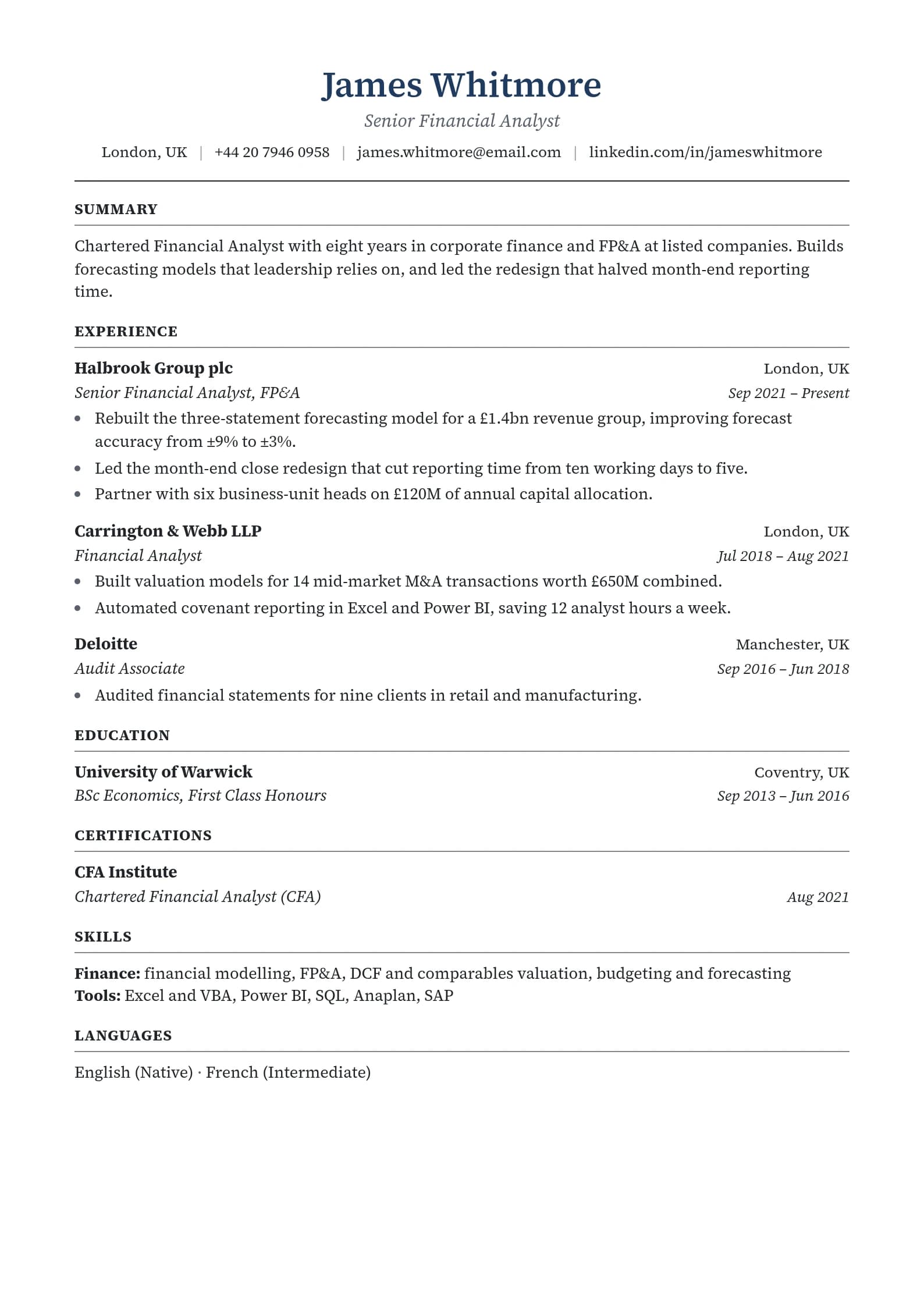
- Single-column layouts with standard top-to-bottom flow
- Templates that use minimal graphics, just text and basic horizontal lines as dividers
- Simple, clean designs without sidebars, text boxes overlapping images, or layered elements
- Templates that stick to standard fonts like Arial, Calibri, Times New Roman, or other system fonts
Templates That Are Riskier
- Two-column layouts where ATS reads left-to-right across both columns, mixing your work history with your skills section
- Infographic-style resumes with charts, skill bars, progress circles, or timeline graphics replacing text
- Templates with icons replacing section headers, for example a briefcase icon instead of the word "Experience." ATS needs the word.
- Designs with text placed inside shapes like circles, banners, or colored boxes
- Templates using decorative or custom fonts that don't map to standard character encodings
- Resumes with a photo or large header graphic that pushes your contact info into an image layer
The more decorative a template is, the more likely it is to have a structure that reads out of order. The features that make a resume look striking to a person, such as creative layouts, custom typography and graphical elements, are the ones to test first.
3 Ways to Fix Your Canva Resume
You've tested your resume and it's not parsing correctly. Here are three approaches, ranked from most effective to quickest.
Option 1: Rebuild in an ATS-Native Resume Builder (Best Option)
The most reliable fix is to move your content into a tool that was built specifically for resume creation and ATS compatibility. Unlike Canva, dedicated resume builders generate PDFs with clean, structured text layers that ATS software can read without issues.
Why this works: ATS-native builders construct PDFs the way ATS expects to receive them. Text is stored as actual text. Sections are tagged with proper headings. The reading order matches the visual layout. There's no translation layer where things get lost.
ResumeFast's resume builder is designed to produce ATS-optimized output while still looking professional. You can import your existing content and have an ATS-compatible version ready in minutes. The AI writing assistant can also help you strengthen weak bullet points while you're at it.
If you've invested real effort into your Canva resume's content, don't worry. You don't need to rewrite everything. Copy your text from the Canva version (or from the paste test you did earlier) and drop it into the new builder. The content stays the same. Only the container changes.
Option 2: Reformat Your Canva Export
If you're attached to your Canva template and it almost passes the copy-paste test, with only minor issues, you might be able to salvage it.
Try these steps:
- Export from Canva as .docx instead of PDF if your template supports it. A Word document stores text as ordinary paragraphs, which is easier to check and edit.
- Open the .docx file in Google Docs or Microsoft Word and check that the text is editable and in the right order.
- Re-export as PDF from Word or Google Docs. This produces a PDF from ordinary text.
- Run the copy-paste test again on the new PDF to confirm it's clean.
This method has a major limitation: it often breaks the visual layout. Canva's designs rely on precise positioning that Word and Google Docs don't always preserve. You might end up with a resume that parses correctly but looks noticeably worse than the original. At that point, you're better off starting fresh in a purpose-built tool.
Option 3: Use Two Versions (The Practical Compromise)
Keep your beautiful Canva resume, but stop using it for online applications. Instead, maintain two versions:
- Your Canva version for situations where a human is the first reader: career fairs, networking events, direct emails to hiring managers, portfolio websites, LinkedIn uploads
- Your ATS-optimized version for any application that goes through an online portal, job board, or company career page
This is more work to maintain, since you'll need to update both versions whenever your experience changes. But it gives you the best of both worlds. You get the visual impact of a designed resume when it matters, and the parseability of a structured document when a robot is the gatekeeper.
For your ATS version, check out the top Canva alternatives that balance design quality with ATS compatibility.
When Canva Resumes Actually Work
Let's be fair. Canva isn't always the wrong choice. There are real scenarios where a visually designed resume performs better than a plain ATS-optimized one.
Career fairs and in-person networking. When you're handing your resume directly to a recruiter or hiring manager, no ATS is involved. A well-designed Canva resume makes a strong first impression and helps you stand out from a stack of black-and-white documents.
Direct emails to hiring managers. If you've found the hiring manager's email through networking and are sending your resume directly, it won't pass through ATS. A polished design signals effort and attention to detail.
Creative industry roles. Graphic designers, UX designers, marketing creatives, and similar roles are sometimes evaluated partly on the design quality of their resume itself. In these cases, a Canva resume doubles as a portfolio piece. That said, even creative companies often use ATS for initial screening, so check before assuming.
Portfolio websites and personal branding. If you're embedding your resume on your personal website or sharing it on social media, visual design matters and ATS parsing doesn't.
The key question is always: will a machine or a human read this first? If a human is the first reader, invest in design. If a machine is the first reader, invest in parseability.
The hidden cost of a file nobody can read
You do not get feedback when a parser mangles your resume. There is no error message on the application portal. The application goes in, the system stores whatever it could extract, and when a recruiter searches for your skills your profile may not match. You keep applying, keep hearing nothing, and start doubting your qualifications when the file may be the problem.
To be fair, the usual explanation for silence is volume, not software: see the ATS rejection myth. A readable file simply removes one avoidable risk. That is why the two-minute test above is worth doing before your next application.
What to Do Right Now
If you're currently job searching with a Canva resume, here's your action plan:
- Run the copy-paste test today. It takes two minutes. If your resume passes cleanly, you might be fine. If not, move to step 2.
- Scan it with the ATS checker. Get a breakdown of what is parsing and what is not.
- Rebuild in a single-column builder. In the ResumeFast resume builder, you can paste your existing content into a single-column template. Building is free, and your first PDF or Word download is free; after that, PDF and Word need Pro at $6.95 a month, billed monthly, no trial, cancel anytime. Plain text (.txt) downloads are always free.
- Keep your Canva version for networking. It's still a great asset for career fairs, direct outreach, and your portfolio. Just stop submitting it through online application portals.
- Re-test after rebuilding. Use the ATS score test to make sure the new version reads cleanly before you start applying.
Your resume's content might be excellent. Don't let the container it's in prevent anyone from ever reading it.
Frequently Asked Questions
Is Canva ATS friendly?
It depends on the template and the export. Simple single-column templates with real text can read fine. Templates with columns, text boxes, icons or images are the usual problem. Test your own file by pasting its text into a plain text editor.
Can I make a Canva resume ATS-friendly?
Choose a single-column template, write section names as words, keep contact details as text in the body, export a text-based PDF, then run the copy-and-paste test. If the paste is scrambled, rebuild in a tool designed around a single column.
Is Canva or Word better for resumes?
For online applications, Word or Google Docs is the more predictable choice because it stores plain paragraphs. Canva is better when a person is the first reader, such as networking or a direct email.
Do recruiters prefer Canva resumes?
It depends on how they receive it. If a recruiter finds you through a database search, they see parsed data, not your design. In person or by email, a well-designed resume helps. Design helps with people; structure helps with parsers.
What should I use instead of Canva?
Look for a builder with single-column templates that exports real text. Compare options in our Canva alternatives and resume builder comparison posts. In ResumeFast, building is free and your first PDF or Word download is free.
Your resume is your first impression. Make it count.
Build an ATS-optimized resume that gets read, with AI help on every section.
No credit card required. Your first PDF or Word download is free; after that, Pro is $6.95 a month.
Continue Reading
View all articles
Is Jobscan Free? Free Scans, Pricing and the Trial (2026)

Best Jobscan Alternatives in 2026 (Free and Cheaper)

Best Kickresume Alternatives for ATS-Friendly Resumes (2026)

Best Rezi Alternatives for ATS Resume Optimization (2026)

Best Adobe Express Resume Alternatives (2026)

Best Canva Resume Alternatives for ATS (2026)
Build a resume that gets interviews
Ready to build your resume?