How ATS Systems Actually Work: A Complete Guide
Learn how Applicant Tracking Systems parse, score, and filter resumes. Understand why resumes get rejected and how to get yours through.

Raman M.
Software Engineer & Career Coach
On this page
Build a resume that gets interviews
- ATS-optimized templates
- AI-powered writing
- Free to start
No credit card required
You've spent hours perfecting your resume. You've tailored it to the job description, quantified your achievements, and proofread it three times. You click "Apply" feeling confident.
Then... nothing. No rejection email. No interview request. Just silence.
Sound familiar?
Here's the uncomfortable truth: up to 75% of resumes never reach human eyes. They're filtered out by software before a recruiter even knows you exist. That software is called an Applicant Tracking System, or ATS.
Let's pull back the curtain on how these systems actually work, and more importantly, how to make sure your resume gets through.
What Is an ATS (And Why Do Companies Use Them)?
An Applicant Tracking System is software that manages the entire hiring pipeline. Think of it as the recruiter's command center: it posts jobs, collects applications, stores candidate data, and yes, filters resumes.
Why do companies use them?
The math is simple. A single job posting at a mid-sized company might receive 250+ applications. At large companies like Google or Amazon, that number can hit thousands. No human can read all of those resumes.
So companies use ATS to:
- Collect and organize applications in one place
- Parse resumes into searchable database fields
- Filter candidates based on keywords, experience, and qualifications
- Track candidates through interview stages
- Stay compliant with hiring regulations (EEOC, OFCCP)
Popular ATS platforms include Workday, Greenhouse, Lever, iCIMS, Taleo, and BambooHR. Each has slightly different parsing logic, but they all work on the same basic principles.
How ATS Parsing Actually Works
When you submit your resume, the ATS doesn't "read" it the way a human does. Instead, it parses it, extracting specific pieces of information and slotting them into database fields.
Here's what happens in the first few seconds:
Step 1: Text Extraction
The ATS first converts your resume into plain text. This is where things can go wrong immediately.
What works:
.docxfiles (Microsoft Word).pdffiles created from text (not scanned images)- Plain
.txtfiles
What breaks:
- Scanned PDFs (the ATS sees an image, not text)
- Complex tables and columns
- Headers and footers (often ignored entirely)
- Text boxes and graphics
- Fancy fonts that don't render
Step 2: Section Identification
Next, the ATS tries to identify sections of your resume:
- Contact information
- Work experience
- Education
- Skills
It looks for common headers like "Experience," "Education," "Skills," and "Summary." If you get creative with headers ("Where I've Made Impact" instead of "Resume Writing"), the ATS might not understand what it's looking at.
Step 3: Entity Extraction
This is where it gets interesting. The ATS attempts to extract specific entities:
| Entity | What It's Looking For |
|---|---|
| Name | Usually the first line or largest text |
| Pattern matching (something@something.com) | |
| Phone | Number patterns with area codes |
| Job Titles | Matched against known title databases |
| Companies | Matched against company databases |
| Dates | Employment periods (MM/YYYY format works best) |
| Skills | Keywords matched against job requirements |
| Degrees | Education credentials (BS, BA, MBA, PhD) |
Here's the catch: parsing isn't perfect. If your resume layout is unusual, the ATS might extract the wrong information, or miss it entirely.
Step 4: Keyword Matching
Once your resume is parsed, the ATS compares it against the job description. It's looking for:
- Hard skills: Python, Excel, Project Management, Financial Modeling
- Soft skills: Leadership, Communication, Problem-solving
- Certifications: PMP, CPA, AWS Certified, Six Sigma
- Job titles: Product Manager, Senior Developer, Marketing Director
- Industry terms: Agile, B2B, SaaS, ROI, KPIs
Some systems do simple keyword counting. Others use more sophisticated matching that understands "PM" might mean "Project Manager" or that "JavaScript" and "JS" are the same thing.
Step 5: Scoring and Ranking
Skip the Guesswork
ResumeFast automatically formats your resume for ATS compatibility. No manual tweaking needed.
Finally, the ATS assigns your resume a score based on how well it matches the job requirements. This might be:
- A percentage match (78% match)
- A tier ranking (A, B, C candidates)
- A pass/fail filter (meets minimum requirements or doesn't)
Only resumes above a certain threshold get forwarded to recruiters.
Why Good Resumes Get Rejected
Understanding the parsing process reveals why perfectly qualified candidates get filtered out:
1. Formatting That Breaks Parsing
The problem:
Your beautifully designed two-column resume looks great on screen, but the ATS reads it as a jumbled mess.
What happens: The ATS reads left-to-right, top-to-bottom. In a two-column layout, it might read:
"Senior Marketing      5 years experience
Manager               Led campaigns..."
Instead of:
"Senior Marketing Manager
5 years experience
Led campaigns..."
The fix: Use a single-column layout. Save the fancy design for roles where you'll hand your resume directly to someone.
2. Missing Keywords
The problem:
You have 8 years of experience managing teams, but the job description says "leadership" and you never used that exact word.
What happens: Simple ATS systems do literal keyword matching. "Team management" ≠ "Leadership" in their logic.
The fix: Mirror the language in the job description. If they say "leadership," use "leadership." If they say "cross-functional collaboration," use that exact phrase.
3. Graphics and Images
The problem:
You included a skills chart showing your proficiency levels with nice progress bars.
What happens: The ATS can't read images. Your carefully rated "Python: ████████░░ 80%" becomes invisible.
The fix: List skills as plain text. You can add proficiency levels in parentheses if needed: "Python (Advanced), SQL (Intermediate)."
4. Non-Standard Section Headers
The problem:
Your creative headers ("My Journey" instead of "Experience") seemed more engaging.
What happens: The ATS doesn't recognize non-standard headers and may categorize that content incorrectly, or ignore it.
The fix: Use standard headers:
- Work Experience (or Professional Experience)
- Education
- Skills
- Summary (or Professional Summary)
- Certifications
5. File Format Issues
The problem:
You saved your resume as a PDF from Canva or Google Docs.
What happens: Some PDF converters create files that look perfect but contain scrambled underlying text. The ATS extracts gibberish.
The fix: Test your PDF by copying all text (Ctrl+A, Ctrl+C) and pasting into Notepad. If it's garbled, recreate in Word and save as PDF directly.
How to Optimize Your Resume for ATS
Now that you understand how ATS works, here's a systematic approach to optimization.
Looking for industry-specific guidance? Check out our resume examples for ATS-optimized templates in software engineering, healthcare, business, and more.
1. Start with a Clean Format
✅ Single column layout
✅ Standard fonts (Arial, Calibri, Georgia, Times New Roman)
✅ Clear section headers
✅ Consistent date formatting (MM/YYYY)
✅ No tables, text boxes, or graphics
✅ Margins at least 0.5 inches
2. Match Keywords Strategically
Don't just stuff keywords. Integrate them naturally:
Before:
Managed team projects and deliverables
After:
Led cross-functional team of 8, managing project deliverables using Agile methodology. Achieved 95% on-time delivery rate.
The second version naturally includes: leadership, cross-functional, team, project management, Agile, deliverables. All potential keywords.
3. Use Standard Job Titles
If your actual title was "Customer Happiness Ninja," translate it:
In your resume:
Customer Success Manager (internally: Customer Happiness Ninja)
This preserves honesty while ensuring the ATS recognizes your role.
4. Include a Skills Section
Create a dedicated skills section with keywords from the job description:
Skills: Project Management, Agile, Scrum, JIRA, Stakeholder Management, Budget Planning, Risk Assessment, Team Leadership, Cross-functional Collaboration
This gives the ATS an easy keyword hit while remaining human-readable.
5. Quantify Everything
Numbers parse cleanly and impress humans:
Before:
Improved sales performance
After:
Increased regional sales by 34% ($2.1M) within 18 months through strategic account management
6. Test Before You Submit
Use an ATS checker tool to see how your resume parses. Look for:
- Are all sections correctly identified?
- Is your contact information extracted properly?
- Are key skills being recognized?
- What's your match score against the job description?
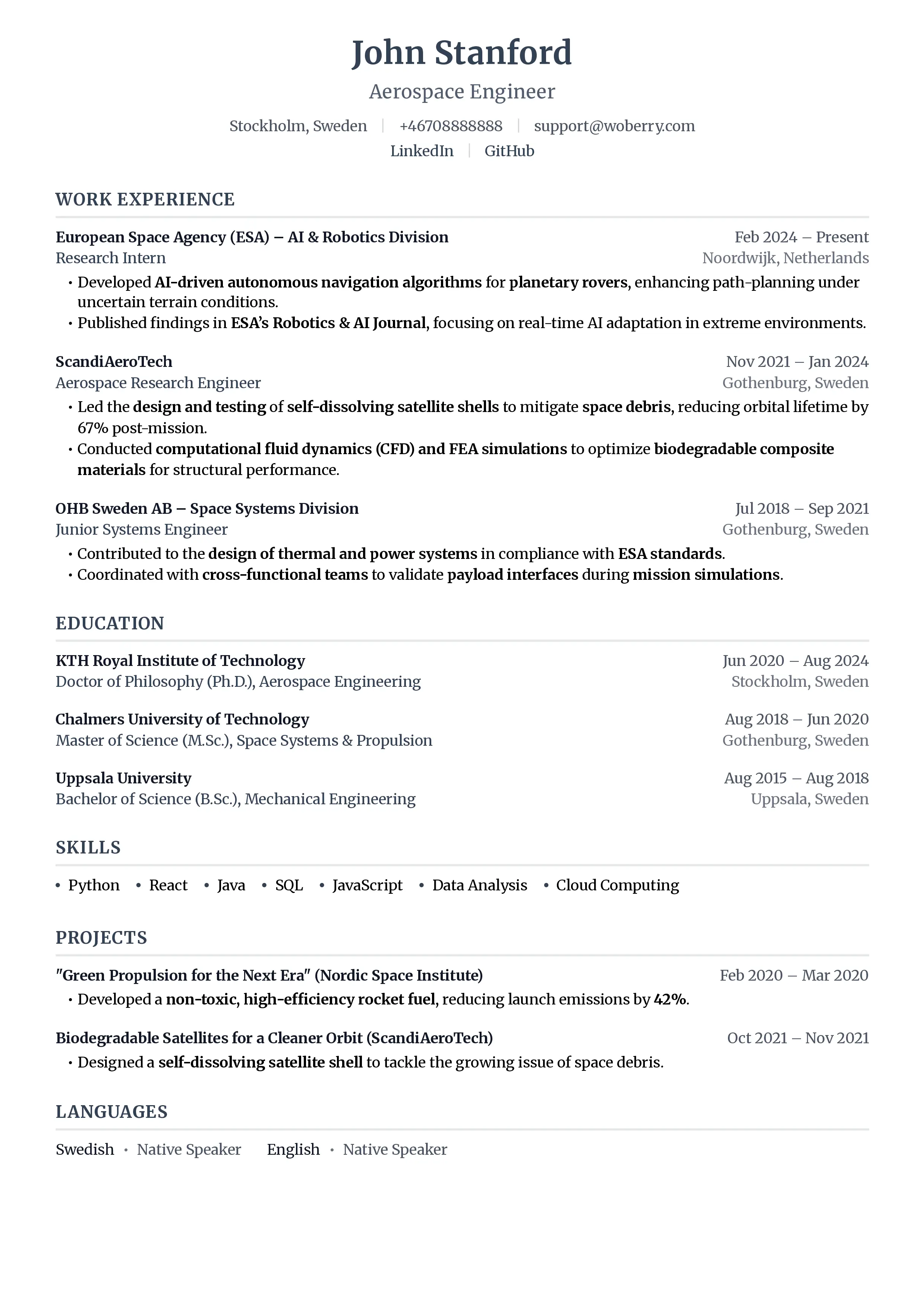
- Plain text, no formatting
- Generic objective statement
- Duties listed, no achievements
- No keywords for ATS
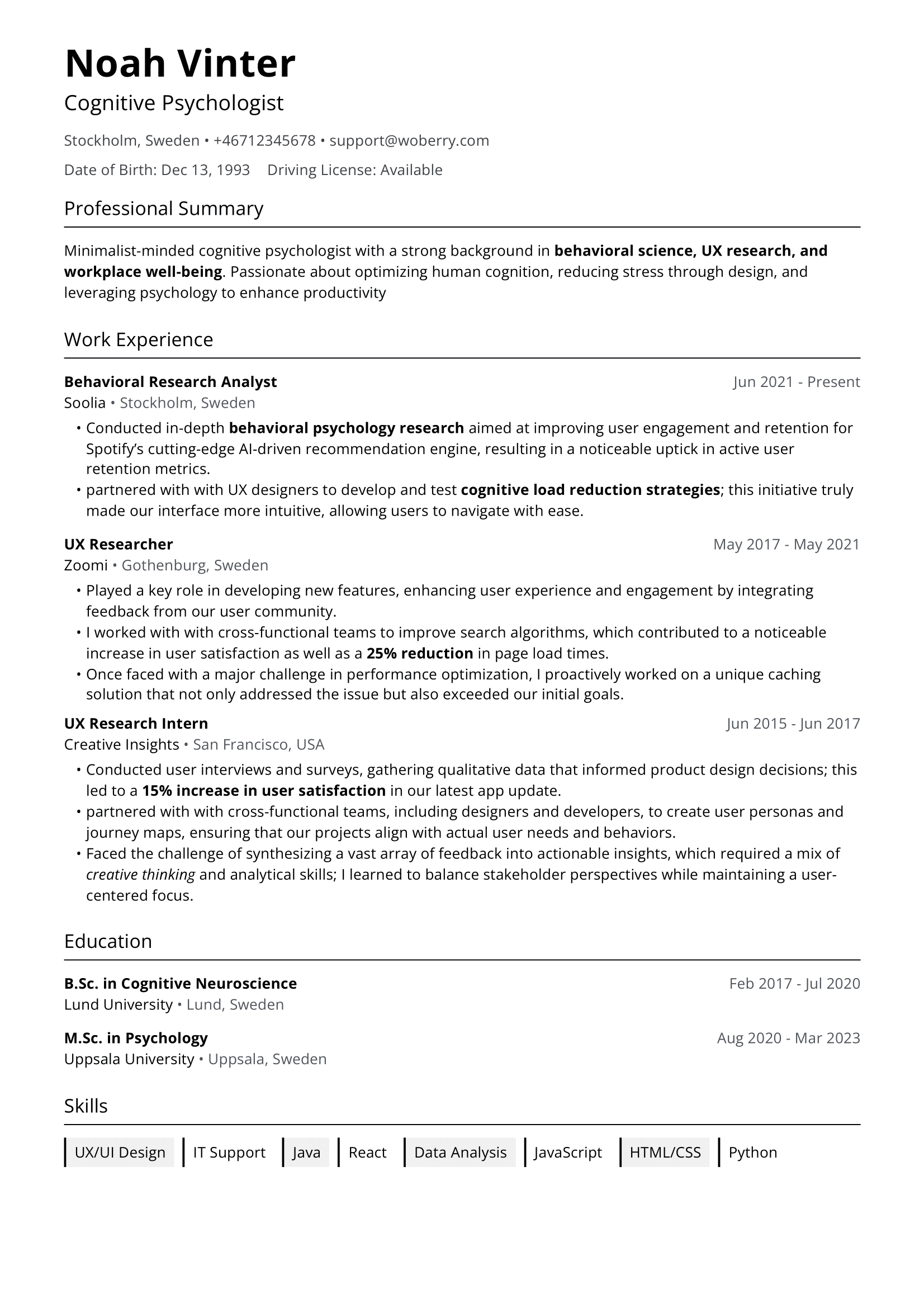
- Professional, ATS-optimized layout
- Targeted summary with metrics
- Achievement-focused bullet points
- Keyword-rich, recruiter-ready
ATS-Friendly Resume Templates
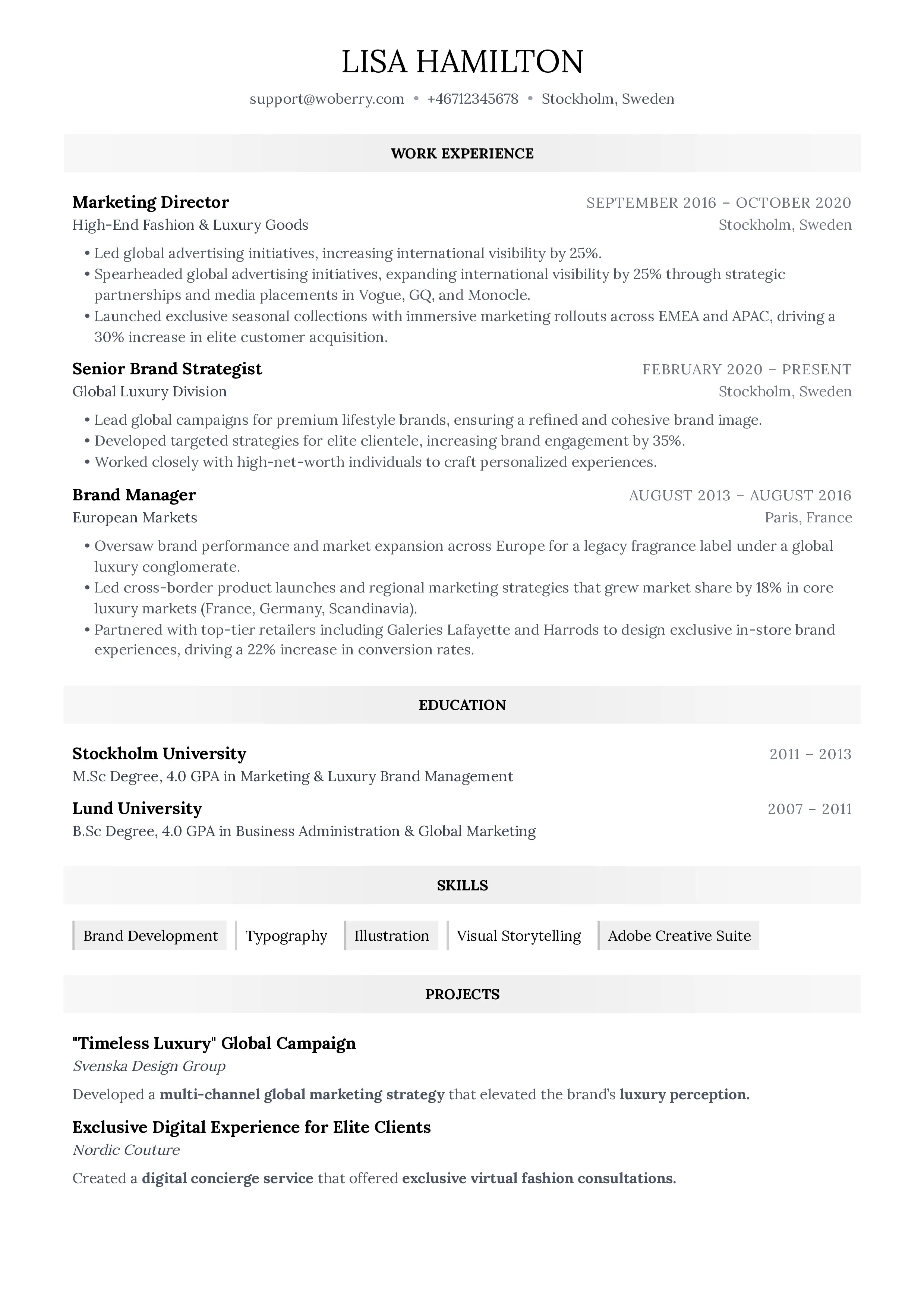
17 professional templates, all ATS-optimized
Browse All TemplatesThe Human Element
Here's something important to remember: passing the ATS is just step one.
Once your resume reaches a recruiter, it needs to impress a human in about 7 seconds. That means:
- Clear, scannable formatting
- Achievements that jump off the page
- A compelling narrative
- No spelling or grammar errors
The best resume strategy optimizes for both machines AND humans.
What ATS Can't Measure
While you're optimizing for algorithms, remember what they can't evaluate:
- Cultural fit - Your personality and work style
- Growth potential - Your ability to learn and adapt
- Soft skills in action - How you actually collaborate
- Context - Why you made certain career moves
- Passion - Your genuine interest in the role
These come through in your cover letter, interview, and references. Don't sacrifice your authentic story just to game the system.
Key Takeaways
- ATS exists to manage volume, not to reject good candidates, but poor formatting causes collateral damage
- Parsing is imperfect. Simple, clean formats parse most reliably
- Keywords matter, but context matters more. Integrate them naturally
- Always test your resume before submitting to catch parsing issues
- Optimize for humans too. The ATS is just the gatekeeper
The job market is competitive enough without letting software filter you out unfairly. Now that you understand how ATS works, you can make sure your qualifications actually reach the people making hiring decisions.
Want to see how your resume performs? Try ResumeFast's ATS Checker to analyze your resume's compatibility and get specific recommendations for improvement.
Your resume is your first impression. Make it count.
Join 50,000+ job seekers using ResumeFast to build ATS-optimized resumes that actually get interviews.
No credit card required. Free forever.
Continue Reading
View all articles
The Complete ATS Resume Guide (2026)
Do Headers and Footers Break ATS Parsing?
Resume Keyword Density: How Often to Repeat Keywords

ATS-Friendly Fonts: Which Fonts Pass Resume Scanners
How to Find Resume Keywords in a Job Description
Why Columns and Tables Break Your Resume in ATS
Build a resume that gets interviews
Ready to build your resume?