
Best Resume Format for ATS: Chronological Wins
Which resume format works best with ATS? Reverse-chronological parses most predictably. Compare chronological, functional and hybrid and choose by situation.

Raman M.
Software Engineer & Founder of ResumeFast

On this page
Build a resume that gets interviews
- ATS-optimized templates
- AI-powered writing
- Free to start
No credit card required
You've written strong bullet points. You've used the right keywords. You even ran your resume through an ATS checker and it looked fine. But your applications still disappear into the void, and you never hear back. The problem might not be what you wrote. It's the format you chose.
Resume format isn't just about how your resume looks to a human. It determines whether an Applicant Tracking System can read your resume correctly in the first place. Choose the wrong format, and your perfectly crafted bullet points end up scrambled, misassigned, or simply ignored by the software that decides whether a recruiter ever sees your application.
Here is how each format tends to behave when software reads it, and which one to use for your situation. This is part of the complete ATS resume guide.
TL;DR
Reverse-chronological is the safest format for ATS. It follows the exact pattern that parsing software expects, and it gets correctly read by virtually every system in use today. Functional resumes get mangled by ATS, and recruiters recognize them as a red flag anyway. Hybrid resumes work well if structured correctly, with a brief skills summary followed by a proper chronological experience section. When in doubt, go chronological.
The Three Resume Formats Explained
Before getting into how ATS handles each format, let's be clear about what each one actually is.
Reverse-Chronological
This is the format most people think of when they picture a resume. Your most recent job comes first, followed by your previous jobs in reverse order. Each role includes a job title, company name, date range, and a list of bullet points describing your responsibilities and achievements.
Standard sections in a reverse-chronological resume:
- Contact information
- Professional summary (optional but useful)
- Work experience (newest first)
- Education
- Skills
This format is the default. It's what recruiters expect. It's what ATS systems were designed to parse. And for the vast majority of job seekers, it's the right choice.
Functional (Skills-Based)
A functional resume reorganizes your experience around skill categories rather than job titles and timelines. For a detailed look at this approach, see our skills-based resume format guide. Instead of listing your jobs chronologically, you create sections like "Project Management," "Client Relations," or "Technical Skills," and group your achievements under those headers. Your actual job history, if it appears at all, gets buried at the bottom with minimal detail.
The theory is that this format lets you showcase transferable skills without drawing attention to employment gaps or frequent job changes. The reality, as we'll get into, is that it backfires in two ways: it fails ATS parsing, and it signals to experienced recruiters that you're trying to hide something.
Hybrid (Combination)
A hybrid resume tries to get the best of both worlds. It opens with a skills summary or competencies section, then follows with a standard reverse-chronological work history. The idea is that you highlight your most relevant skills upfront while still providing the structured timeline that both ATS and human readers expect.
When done correctly, this can be a strong format. The skills section at the top gives recruiters an immediate snapshot of your capabilities, and the chronological section below satisfies ATS requirements. When done poorly, the skills section overwhelms the resume and the work history gets truncated or misread.
How ATS Actually Parses Your Resume
An Applicant Tracking System is software that companies use to collect, organize, and filter job applications before human review. Understanding how ATS parsing works explains exactly why format matters so much.
When you submit a resume, the ATS goes through several steps:
- Text extraction: The system pulls the raw text out of your PDF or Word file.
- Field mapping: It tries to identify which text belongs to which field. Name, email, phone, job title, company, dates, education, skills.
- Keyword matching: It compares your extracted text against the keywords and requirements from the job posting.
- Scoring: Based on how well your resume matches, you get a score that determines whether you move forward.
The critical step is field mapping. ATS software is trained to recognize specific patterns, and the most common pattern it looks for is: "Job Title at Company Name, Month Year to Month Year" followed by bullet points. It expects this pattern because most resumes follow it. When it encounters your resume and finds this pattern, parsing goes smoothly. When it doesn't find the pattern, it starts guessing, and it usually guesses wrong.
A field mapping error doesn't just mean a slightly garbled resume. It can mean your job titles land in the wrong field, your skills list gets classified as your summary, or your dates don't register at all, making your 10 years of experience invisible to the system's filters.
How Each Format Performs with ATS
Chronological: the most predictable
Reverse-chronological is the format ATS systems were built around. The date-company-title structure maps cleanly to standard database fields. Bullet points under each role are correctly associated with that position. Contact information in a simple header gets parsed accurately.
When a recruiter searches for "Project Manager with 5+ years experience" and filters results, your chronological resume shows your 7 years of project management experience correctly, your most recent title displays properly, and your application ranks where it should.
We have no vendor-published parse rate for any format, but chronological is the layout parsers are built around, so treat it as the baseline every other format is measured against.
Functional: the highest risk
Functional resumes fail ATS parsing in multiple ways simultaneously.
The skills-organized structure means your experience and achievements aren't attached to specific employers or dates. When the ATS tries to map your content to its fields, it finds skill headers where it expects job titles. It finds achievements floating without time context. It finds a job list at the bottom that looks like an afterthought.
Here's what actually happens to a functional resume in a typical ATS. You might write:
Project Management Led cross-functional teams of 8-15 people to deliver software releases on time. Managed budgets of $500K+ per quarter. Reduced project overruns by 30%.
Technical Skills Proficient in Jira, Confluence, Asana, MS Project, Salesforce.
Work History Acme Corp, 2019-2025 Beta Industries, 2015-2019
The ATS sees "Project Management" as a section header and dumps everything below it into a generic text field. Your actual job titles "Software Development Manager" or "Senior PM" never appear because they're not in the work history section. The dates get matched to the wrong content. Your achievements can't be tied to any specific role.
The system may calculate zero years of "Project Management" experience because it cannot tie the work to dates, and a recruiter filtering for 5+ years may not see you.
Hybrid: workable with care
A well-structured hybrid format works reasonably well, with some caveats.
The skills section at the top, if formatted as a simple list or brief paragraph, typically parses as a summary or skills field. That's fine. ATS handles summaries well. The chronological experience section that follows gets parsed normally, with job titles, companies, dates, and bullets mapping correctly.
The risk with hybrid formats is overdoing the skills section. If your skills summary is long and detailed, some ATS platforms treat it as your primary content and give the chronological section less weight. Worse, some systems may limit how much text they keep in a field, so a lengthy skills introduction is a needless risk.
The safe version of a hybrid resume: a skills section of 3-5 lines maximum, followed immediately by a full chronological work history. Think of the skills section as a brief preamble, not a standalone feature.
Decision Matrix: Which Format for Your Situation
| Situation | Best Format | Why |
|---|---|---|
| Steady career progression in one field | Chronological | Your timeline tells a clear growth story |
| Career change to a new field | Hybrid | Skills summary highlights transferable abilities; chronological history still satisfies ATS |
| Employment gaps | Chronological | A gap with brief explanation beats the red flag of a functional resume |
| Student or new graduate | Chronological | Lead with education and internships; limited history isn't a problem |
| Senior or executive | Chronological | Deep history in your field is an asset, not something to hide |
| Freelancer or consultant | Chronological | List contracts as roles with clients as "company names" |
| Military transition | Hybrid | Skills summary translates military experience for civilian context; chronological service history follows |
| Re-entering the workforce | Chronological | Own the gap, address it in your summary, and let your history speak for itself |
Choose Your Resume Format
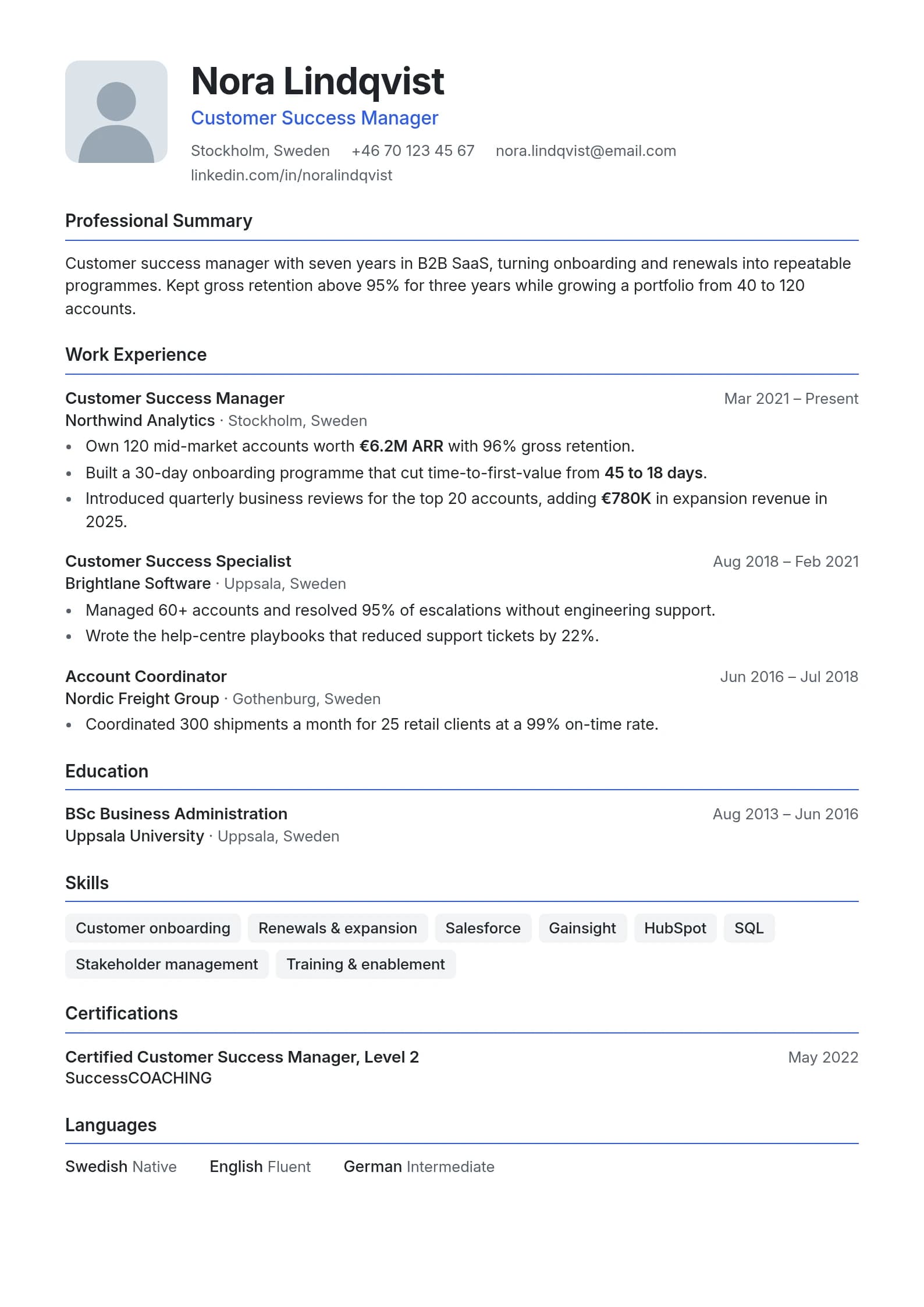
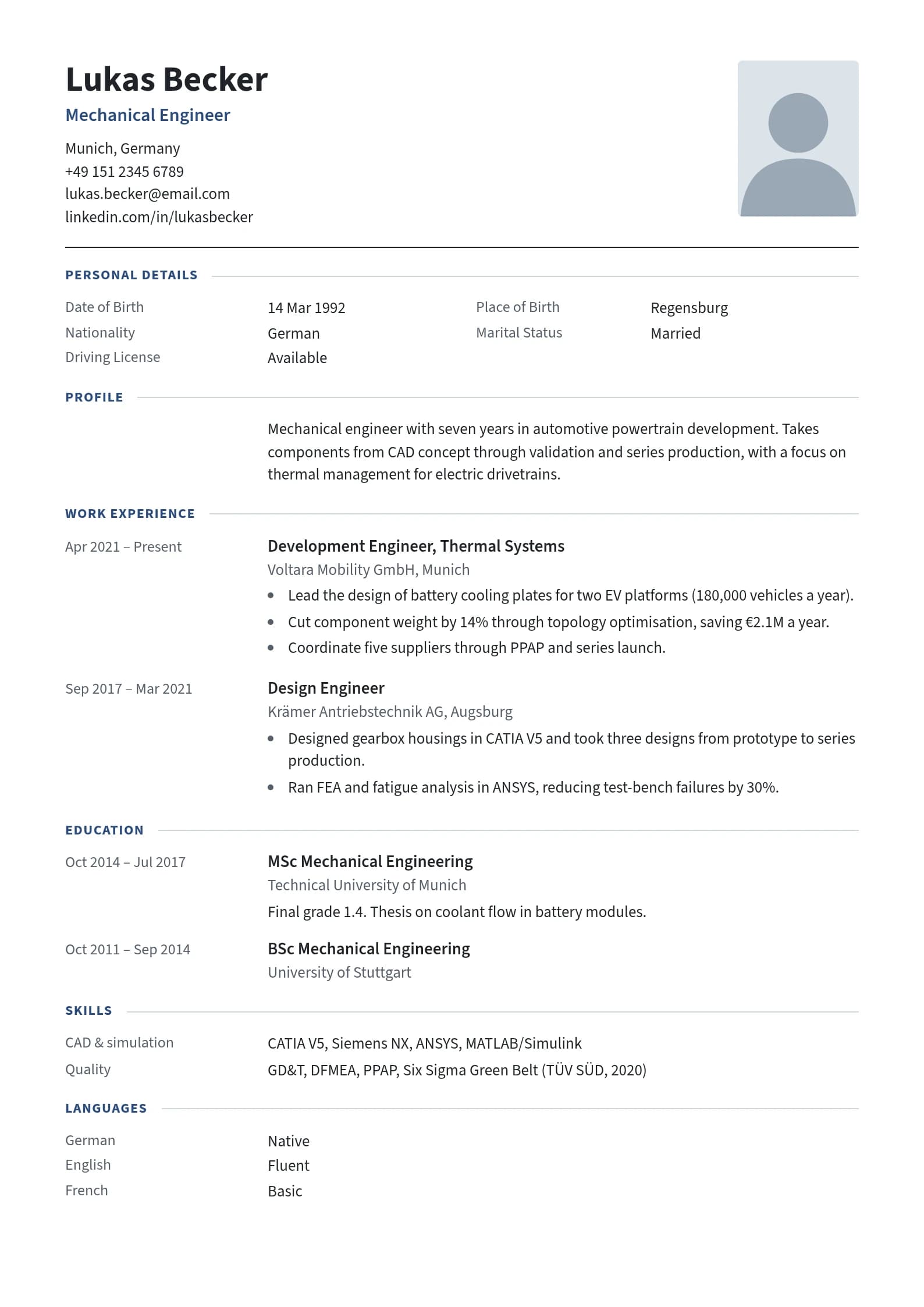
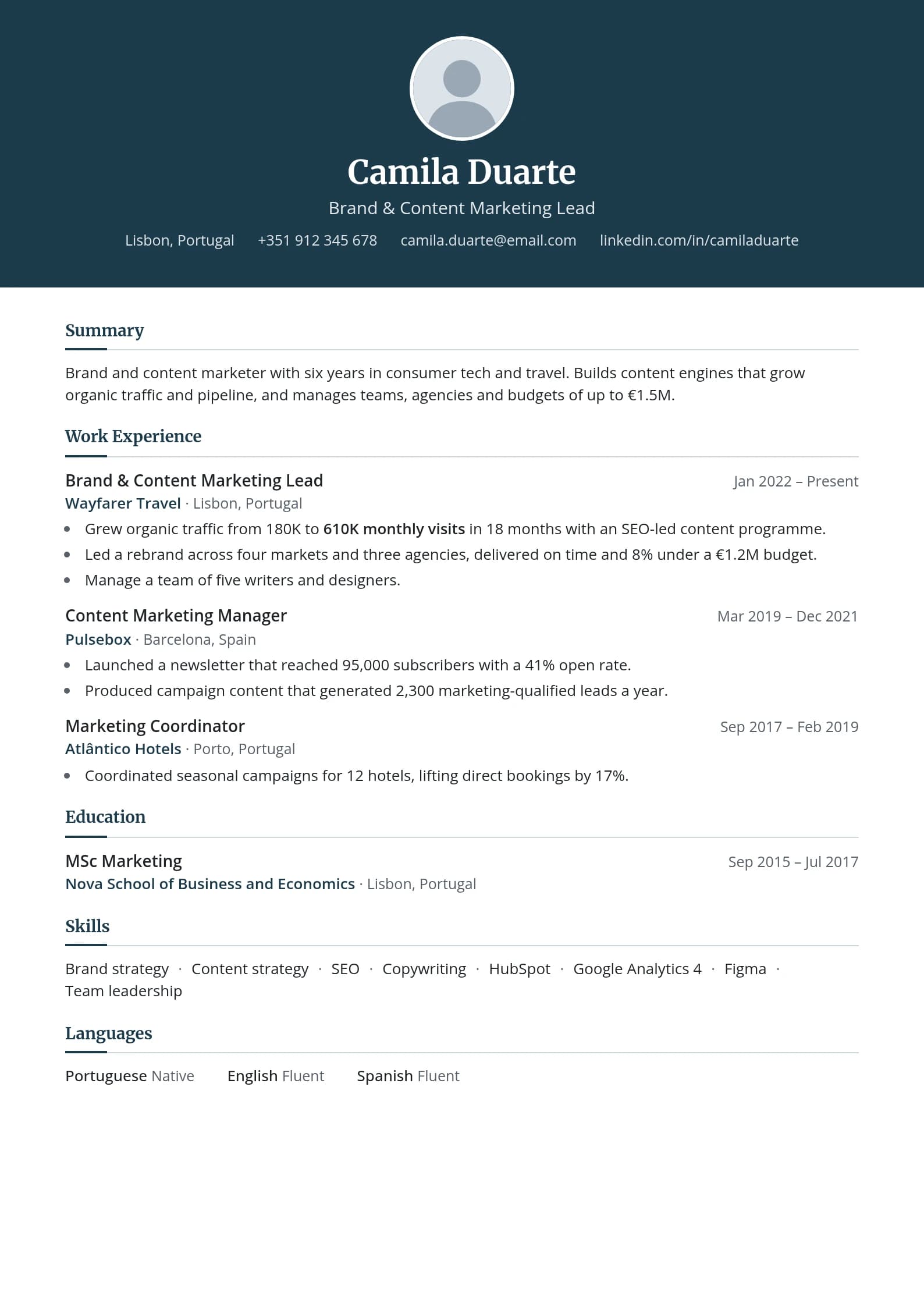
Every template is single-column and ATS-friendly
Browse All Templates- Plain text, no formatting
- Generic objective statement
- Duties listed, no achievements
- No keywords for ATS
- Professional, ATS-optimized layout
- Targeted summary with metrics
- Achievement-focused bullet points
- Keyword-rich, recruiter-ready
Before/After: Fixing a Functional Resume for ATS
Here's a concrete example of how the same content reads differently depending on format.
Before: Functional (ATS fails)
Project Management Oversaw delivery of 12+ software products over 6 years. Coordinated between engineering, design, and business stakeholders. Managed $2M annual budget. Reduced time-to-launch by 25%.
Leadership Built and mentored teams of up to 20 engineers. Introduced agile workflows that improved sprint completion rates by 40%.
Employment Acme Corp, 2019-2025 Beta Industries, 2015-2019
What the ATS extracts: A big block of text under "Project Management," no job titles, two company names with no associated roles or achievements, and no way to verify years of experience in any specific capacity.
After: Chronological (ATS passes)
Senior Project Manager, Acme Corp (March 2022 - February 2025)
- Oversaw delivery of 8 software products with $2M annual budget, achieving on-time launch for all 8
- Reduced time-to-launch by 25% by implementing structured sprint review processes
- Managed cross-functional team of 15 across engineering, design, and business stakeholder groups
Project Manager, Acme Corp (January 2019 - March 2022)
- Coordinated delivery of 4 product launches across 3 business units
- Built agile workflow system that improved sprint completion rates by 40%
Associate Project Manager, Beta Industries (June 2015 - December 2018)
- Supported senior PM team on 6 concurrent software initiatives
- Mentored 3 junior coordinators on project documentation and stakeholder communication
What the ATS extracts: Two clear job titles at a named company with dates, followed by a third title at a different company with dates, with specific achievements correctly attributed to each role. The system can now verify 10 years of PM experience, filter appropriately, and surface this resume to recruiters searching for senior PM candidates.
The content is nearly identical. The format is everything.
Format Mistakes That Kill Your ATS Score
Even if you choose the right format, structural mistakes can still break parsing.
Using tables or columns for layout. A two-column resume looks clean in Word, but ATS text extraction often reads columns left-to-right across the page rather than top-to-bottom within each column. Your job title from column one ends up jumbled with your education from column two.
Putting contact info in headers or footers. Many ATS systems skip document headers and footers entirely during text extraction. If your name, email, and phone number are in the document header, they may never get parsed at all. Always put your contact information in the main body of the document.
Including infographic elements. Skill bars, pie charts, star ratings, or any graphic representation of your qualifications are completely invisible to ATS. The system can't read a filled bar chart. "Python: ████████░░" means nothing to a parser. Write out your skills as plain text.
Using non-standard section headings. "Where I've Been" and "What I'm Good At" might feel creative, but ATS systems look for standard patterns like "Work Experience," "Employment History," "Skills," and "Education." When they find an unrecognized section heading, they often skip that section entirely.
Multi-column layouts with icons. Icon-based design elements (phone icons, email icons, location pins) often get extracted as text characters or skip entirely, creating garbage data in your contact fields.
Embedding custom fonts. If your PDF doesn't embed the font, or uses a non-standard font the system can't recognize, text extraction can produce garbled characters or blank sections. Stick to Arial, Calibri, Georgia, Times New Roman, or other system-standard fonts.
The Career Gap Myth About Functional Resumes
A lot of people reach for the functional format when they have employment gaps, career changes, or choppy job histories. The logic makes sense on the surface: if you emphasize skills rather than timeline, maybe no one will notice the gap.
Here's the uncomfortable truth: experienced recruiters recognize the functional resume as a gap-hiding strategy, and they've seen it so many times that it now triggers immediate suspicion. A functional resume doesn't hide the gap. It signals that there's something you don't want them to see, which makes them look harder.
Meanwhile, the functional format that was supposed to protect you has also broken your ATS parsing. So you've simultaneously failed the automated screening and raised a red flag with the human reviewer. That's the worst possible outcome.
A chronological resume with a gap, paired with a brief, honest explanation in your summary, is significantly more effective than a functional resume. Recruiters understand career breaks, caregiving responsibilities, health situations, and layoffs. They don't understand a resume format that hides basic information they need to evaluate your candidacy.
If you're worried about a gap, address it directly in your summary: "Returning to software development after a two-year career break to manage family caregiving responsibilities. During this time I maintained my skills through online coursework and personal projects." That's clear, professional, and infinitely better than a format choice that breaks ATS and signals evasiveness.
For a deeper look at how to handle gaps, see Returning to Work: Resume Guide for Career Breaks.
Frequently Asked Questions
What is the best resume format for ATS?
The reverse-chronological format is the best resume format for ATS. It lists your most recent work experience first and follows the date-company-title-bullets structure that applicant tracking systems are trained to parse. Chronological resumes achieve near-perfect parse rates and correctly map your experience, job titles, and dates to the fields recruiters use to filter candidates.
Should I use a functional resume for a career change?
No. A functional resume is a poor choice for career changers despite its reputation as the go-to solution. It fails ATS parsing, and recruiters know it signals an attempt to hide a non-linear history. Instead, use a hybrid format with a brief skills summary at the top that highlights transferable competencies, followed by a full chronological work history. Your summary can frame your career change directly and positively. For detailed guidance, see Career Change Resume Guide.
Can ATS read two-column resumes?
Most ATS systems struggle with two-column resumes. Text extraction from PDF columns often reads across the page rather than within each column, mixing content from both sides and creating garbled output. Some modern ATS platforms have improved column handling, but the safe approach is a single-column layout. The formatting advantage of two columns is not worth the parsing risk.
What sections should an ATS-friendly resume have?
An ATS-friendly resume should include: Contact Information (in the body, not a header), Professional Summary (optional), Work Experience with dates, Education, and Skills. Use standard section headings. Additional sections like Certifications, Publications, or Volunteer Work are fine if clearly labeled with conventional names.
Is PDF or Word better for ATS?
Both PDF and Word (.docx) are accepted by most modern ATS, but the answer depends on the specific system. Word documents parse slightly more reliably because the text is directly accessible without extraction. PDFs are safer for visual formatting preservation. When in doubt, check the job posting. If it specifies a format, use that. If not, a clean, single-column PDF from a Word document is usually the safest choice.
Do all companies use ATS?
Most mid-sized and large employers use some form of ATS. Jobscan's yearly research detected an ATS at 97% to 99% of Fortune 500 companies in every year it reported from 2018 to 2025, and adoption is high among mid-sized companies as well. Smaller startups and companies hiring through referrals are more likely to review resumes directly, but you can't reliably predict which companies skip ATS. Formatting your resume for ATS by default protects you in every scenario.
Should I include a skills section even in a chronological resume?
Yes. A skills section in a chronological resume gives ATS keyword matching a clear, scannable list to index. Place it after your work experience and education, or use a brief version near the top as part of your summary. Keep it as a simple list rather than rated bars or icons. Include both hard skills (specific tools, technologies, certifications) and relevant soft skills.
What fonts are ATS-friendly?
Stick to common system fonts: Arial, Calibri, Garamond, Georgia, Helvetica, Times New Roman, or Verdana. These fonts are universally recognized and render correctly across platforms. Avoid decorative, script, or non-standard fonts. When exporting to PDF, ensure fonts are embedded in the document. Font choice has no effect on ATS keyword matching, but broken font rendering can cause text extraction errors.
The Format Decision Is Easier Than You Think
Most of the hand-wringing over resume format comes from the belief that you need to be clever or creative to stand out. You don't. The best resume format is the one that gets correctly read by ATS and clearly communicates your experience to a human at a first glance, which one Ladders eye-tracking study put at 7.4 seconds. Reverse-chronological does both jobs better than any alternative.
Use chronological unless you have a genuinely compelling reason to do otherwise. If you're making a career change, consider a hybrid with a brief skills preamble. If you're tempted to use functional to hide gaps or a non-linear history, don't. Address those things directly in your summary and let your actual experience speak.
The format is just the container. Get the container right, and your content has a chance to actually land.
Before you submit your next application, run your resume through the ATS checker to see how a parser reads your format.
To start fresh, the ResumeFast resume builder offers single-column templates in a chronological layout. Building is free, and your first PDF or Word download is free.
For further reading on how ATS systems evaluate your resume beyond format, see the ATS keywords guide and how to test your ATS score. If you're also weighing which resume builder to use, our resume builders comparison for 2026 covers all the major options.
Your resume is your first impression. Make it count.
Build an ATS-optimized resume that gets read, with AI help on every section.
No credit card required. Your first PDF or Word download is free; after that, Pro is $6.95 a month.
Continue Reading
View all articles
The Complete ATS Resume Guide (2026)

Does ATS Read Headers and Footers? Where Contact Info Goes

ATS-Friendly Fonts: Safe Resume Fonts and Sizes

How to Extract Keywords From a Job Description

Are Columns and Tables ATS Friendly? What Breaks

PDF or Word for ATS? Which Resume File Is Safer
Build a resume that gets interviews
Ready to build your resume?