Best Resume Builders 2026: 7 Tools Compared
Honest comparison of 7 resume builders. Features, pricing, ATS compatibility, and which one is right for your job search.

Raman M.
Software Engineer & Career Coach
On this page
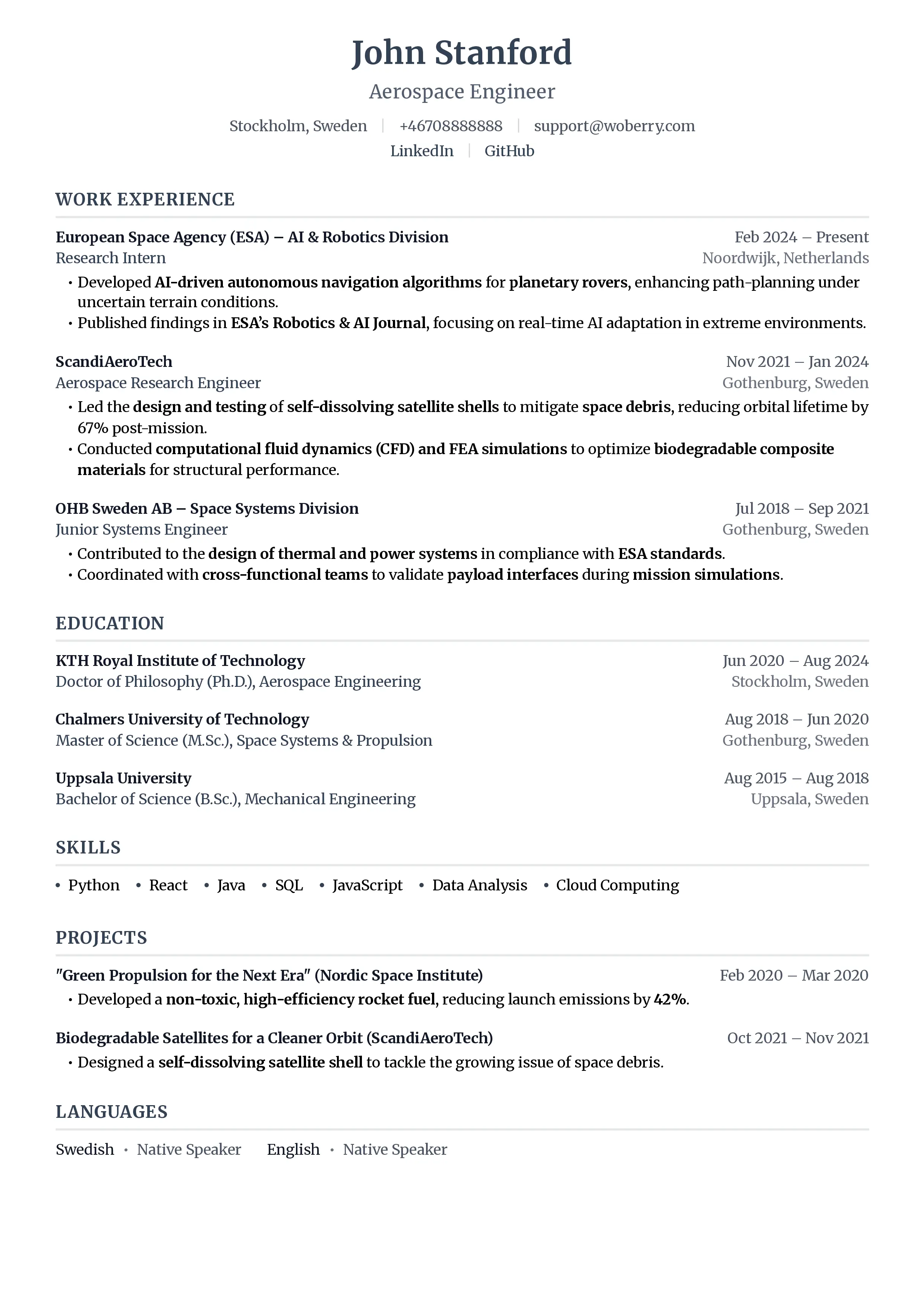
Build a resume that gets interviews
- ATS-optimized templates
- AI-powered writing
- Free to start
No credit card required
Resume builders promise the world. AI-powered writing. Beautiful templates. ATS optimization. Land your dream job!
Most underdeliver. Some lock your resume behind paywalls after you've invested hours. Others create pretty designs that ATS systems can't read.
This guide cuts through the marketing hype with an honest comparison of 7 popular resume builders, including our own (ResumeFast). We'll cover real pricing, actual features, and which tool works best for different job seekers.
How We Evaluated
We tested each resume builder on these criteria:
- ATS Compatibility: Can recruiters actually see your resume?
- Templates: Quality, variety, and professionalism
- AI Features: Content suggestions, writing assistance, optimization
- Pricing Transparency: What you actually pay, not the teaser rate
- Export Options: File formats and quality
- Ease of Use: Learning curve and interface quality
- Value for Money: Features relative to cost
The best resume builder is one that creates ATS-compatible documents, not just pretty designs. Keep that in mind as we compare.
Quick Comparison Table
| Builder | Free Tier | ATS-Safe | AI Writing | Monthly Price | Best For |
|---|---|---|---|---|---|
| ResumeFast | Yes, unlimited | Yes | Yes | Free | ATS optimization |
| Kickresume | Limited, watermark | Mostly | Yes | $19/mo | Creative roles |
| Zety | Preview only | Yes | Yes | $25.95/mo | Guided building |
| Resume.io | 1 resume | Yes | Basic | $24.95/mo | Simplicity |
| Novoresume | 1 resume | Yes | Yes | $19.99/mo | Entry-level |
| Canva | Yes | No | No | Free-$14.99/mo | Design-focused |
| Indeed | Yes, unlimited | Yes | Basic | Free | Quick applications |
1. ResumeFast
One disclosure before we start: ResumeFast is the tool our team builds, so read this section as the interested party talking. We have listed the real limitations alongside the strengths.
What It Does Well
ResumeFast focuses on ATS optimization above all else. Every template is designed to parse correctly, and the ATS checker shows exactly how your resume will be read by applicant tracking systems.
Strengths:
- Real-time ATS scoring against job descriptions
- AI-powered bullet point suggestions tailored to your industry
- Clean, ATS-optimized templates
- Cover letter generator included
- Completely free (no paid tiers)
Features:
- 15+ ATS-friendly templates
- AI writing assistance for bullet points
- Job description keyword matching
- LinkedIn import
- PDF and DOCX export
- Cover letter builder
Limitations
- Fewer decorative/creative templates than design-focused tools
- No video resume or portfolio features
- Newer product with smaller template library than established competitors
Pricing
- Free: All features included. Unlimited resumes, AI features, ATS checker, priority support. No paid tiers.
Best For
Job seekers who want their resume to actually reach recruiters. If you're applying to companies using ATS (which is most companies), ResumeFast's focus on parsing compatibility matters more than design bells and whistles.
2. Kickresume
Kickresume positions itself as an AI-powered resume builder with creative templates. It's popular among designers and creative professionals.
What It Does Well
Kickresume offers visually striking templates that stand out. The AI writing feature can generate content from scratch, and the website builder is a nice bonus for portfolios.
Strengths:
- Attractive, design-forward templates
- AI content generation (can write entire sections)
- Personal website builder included
- Resume samples library for inspiration
Limitations:
- Many templates use multi-column layouts that can break ATS parsing
- Free tier adds watermarks and limits features significantly
- AI-generated content often sounds generic
- Premium features require expensive subscription
Pricing
- Free: Limited templates, watermarked downloads
- Premium: $19/month or $48/year (limited AI credits)
- Premium Complete: $39/month or $96/year (full AI features)
Best For
Creative professionals (designers, marketers, artists) who will hand resumes directly to hiring managers. Not recommended for online applications to large companies.
3. Zety
Zety is one of the largest resume builders, known for its step-by-step wizard and extensive template library.
What It Does Well
Zety's guided builder walks you through each section with tips and examples. The pre-written content suggestions are well-organized by industry and role.
Strengths:
- Excellent guided building experience
- Large library of pre-written content snippets
- Resume checking with specific recommendations
- Cover letter matching
Limitations:
- Expensive ($25.95/month)
- Can't download without subscribing (preview only on free tier)
- Aggressive upselling throughout the experience
- Some templates aren't fully ATS-optimized
Pricing
- Free: Create and preview only (no downloads)
- Monthly: $25.95/month
- Quarterly: $14.95/month (billed as $44.85)
The inability to download without paying is frustrating. You can spend an hour building your resume, only to find you need to pay to actually use it.
Best For
People who want extensive guidance and are willing to pay premium prices. Good for first-time resume writers who need hand-holding through the process.
4. Resume.io
Resume.io emphasizes simplicity and speed. You can create a basic resume in under 10 minutes.
What It Does Well
The interface is clean and intuitive. Templates are professional without being cluttered. The PDF output is consistently well-formatted.
Strengths:
- Very easy to use
- Clean, professional templates
- Good ATS compatibility
- Quick to create a basic resume
Limitations:
- Limited customization options
- Basic AI features compared to competitors
- Expensive for what you get ($24.95/month)
- Cover letter builder is bare-bones
Pricing
- Free: 1 resume, limited templates
- Pro: $24.95/month or $44.95/6 months
- Annual: $74.95/year
Best For
Job seekers who want something simple and professional without spending hours on customization. Good for people who find other tools overwhelming.
5. Novoresume
Novoresume targets students and early-career professionals with templates designed for limited experience.
What It Does Well
Novoresume understands that entry-level candidates have different needs. Templates are designed to showcase education, projects, and transferable skills when work experience is limited.
Strengths:
- Templates optimized for limited experience
- Good at highlighting education and projects
- Skills matcher against job descriptions
- Clean, modern designs
Limitations:
- Limited utility for senior professionals
- Some templates aren't ATS-friendly
- Premium features locked behind paywall
- Content suggestions can be generic
Pricing
- Free: 1 resume with basic features
- Premium: $19.99/month or $79.99/year
- Premium+: $29.99/month or $119.99/year
Best For
Recent graduates, students, and early-career professionals with limited work experience. The templates handle sparse work history gracefully.
6. Canva
Canva isn't primarily a resume builder, but many people use it for creative resume designs.
What It Does Well
Canva offers thousands of visually stunning templates and complete design freedom. If you want a resume that looks like a design portfolio piece, Canva delivers.
Strengths:
- Massive template library
- Complete design customization
- Free tier is genuinely useful
- Great for creative portfolios
Critical Limitation: ATS Compatibility
Free resume builders often add watermarks or limit exports, and that's the least of your concerns with Canva. The fundamental issue is ATS compatibility.
Canva creates resumes as design files, not documents. When exported as PDFs, the underlying text is often scrambled or embedded in ways ATS systems can't read. Your beautiful Canva resume might literally be invisible to recruiters.
Test it yourself: Open your Canva PDF and press Ctrl+A, Ctrl+C (select all, copy). Paste into Notepad. If the text is garbled or out of order, ATS will see the same thing.
Pricing
- Free: Full access to many templates
- Pro: $14.99/month (more templates, brand kit)
- Enterprise: Custom pricing
Best For
ONLY for situations where you'll hand your resume directly to someone (job fairs, networking events, creative agency portfolios). Never for online applications through company websites.
7. Indeed Resume Builder
Indeed's free resume builder integrates with its massive job board.
What It Does Well
Indeed offers completely free resume building with unlimited downloads. The direct integration with Indeed job applications is convenient.
Strengths:
- Completely free, no hidden costs
- Integrates with Indeed applications
- Simple interface
- ATS-compatible output
Limitations:
- Very limited templates (3-4 options)
- Basic customization
- No AI writing features
- Minimal design options
Pricing
Completely free. No premium tier. This alone makes it noteworthy.
Best For
Job seekers who want something simple and free, especially if applying through Indeed. It won't wow anyone with design, but it works reliably.
Pricing Comparison: What You'll Actually Pay
Here's the real monthly cost for each platform's most popular plan:
| Builder | Cheapest Paid | Most Popular | Annual Savings |
|---|---|---|---|
| ResumeFast | Free | Free | N/A |
| Kickresume | $19/mo | $39/mo | 75% (yearly) |
| Zety | $25.95/mo | $25.95/mo | 42% (quarterly) |
| Resume.io | $24.95/mo | $24.95/mo | 50% (yearly) |
| Novoresume | $19.99/mo | $19.99/mo | 67% (yearly) |
| Canva | Free | $14.99/mo | 50% (yearly) |
| Indeed | Free | Free | N/A |
Note: Zety and Resume.io require payment to download any resume. The "free" preview doesn't let you actually use what you've built.
Verdict: Recommendations by Use Case
Best Free Option: Indeed Resume Builder
If you genuinely can't pay anything, Indeed's free builder creates functional, ATS-compatible resumes. It lacks AI features and design variety, but it works.
Runner-up: ResumeFast is also completely free and offers more features than most paid tools, including AI writing and ATS scoring.
Best for ATS Optimization: ResumeFast
If your primary concern is getting past automated filters (which it should be for most job seekers), ResumeFast's ATS focus beats competitors. The real-time scoring against job descriptions is genuinely useful.
Why it matters: A stunning resume that ATS can't read is worthless. Function before form.
Best for Creative/Design Roles: Kickresume
If you're a designer, marketer, or creative professional handing resumes directly to hiring managers (not applying online), Kickresume's visual templates make a statement.
Caveat: Test ATS compatibility before using for online applications.
Best for Beginners: Zety
Zety's step-by-step wizard provides the most guidance. If you've never written a resume and want hand-holding, the premium price might be worth it.
Alternative: ResumeFast's AI suggestions provide similar guidance for free.
Best for Students/Entry-Level: Novoresume
Novoresume's templates are designed for limited experience. If you're graduating with more education than work history, the templates handle that gracefully.
Best Value Overall: ResumeFast
ResumeFast is completely free with unlimited everything, offering better AI features and ATS optimization than tools charging $20-26/month.
Frequently Asked Questions
Are free resume builders good enough?
For basic resumes, yes. Indeed's free builder creates functional documents. The question is whether you need AI assistance, ATS scoring, or more templates. Free resume builders often add watermarks or limit exports, so check carefully before investing time.
Do I need AI features?
AI-powered resume builders can suggest improvements, but human review is still essential. AI helps with:
- Generating bullet point options
- Identifying missing keywords
- Suggesting stronger language
However, AI often produces generic content. You should edit suggestions to reflect your actual experience and voice.
What's more important: design or ATS compatibility?
ATS compatibility, almost always. 75% or more of medium-to-large companies use ATS. If your resume can't be parsed, the design is irrelevant because no human will see it.
Exception: If you're applying directly to small companies, startups, or handing resumes to people at job fairs, design matters more.
Should I pay monthly or annually?
If you're actively job searching, monthly makes sense. You might find a job within 1-2 months and won't need the tool anymore. Annual plans only make sense if you expect to use the tool for extended periods (recruiters, career coaches, frequent job changers).
Can I use multiple resume builders?
Yes, and it's often smart. Use one tool for ATS optimization (ResumeFast, Zety) and another for design-forward versions (Kickresume, Canva) for different situations.
Which builder is best for international jobs?
Most builders focus on US/UK formats. For German CVs (requiring photos and specific formatting), templates from these tools may not work correctly. ResumeFast and Resume.io handle international formats better than most.
Final Thoughts
The resume builder market is flooded with tools promising to land you a dream job. Most are mediocre. Some are actively harmful (Canva's ATS issues).
Your choice depends on your situation:
- If you're applying online to companies using ATS: Prioritize parsing compatibility over design
- If you're a creative professional: Design-forward tools make sense, but test ATS compatibility
- If you're on a tight budget: Indeed's free tool works; ResumeFast's free tier offers more
- If you want guidance: Zety's wizard helps beginners, at a premium price
The best resume builder is one you'll actually use to apply for jobs. Pick one, create your resume, and start applying. The perfect tool matters less than consistent action.
Ready to build your resume? Try ResumeFast free with AI-powered suggestions and real-time ATS scoring. Create your first resume in under 15 minutes.
For more on how ATS systems evaluate your resume, check out our guide to how ATS works.
Your resume is your first impression. Make it count.
Join 50,000+ job seekers using ResumeFast to build ATS-optimized resumes that actually get interviews.
No credit card required. Free forever.
Continue Reading
View all articles
The Complete ATS Resume Guide (2026)
Do Headers and Footers Break ATS Parsing?
Resume Keyword Density: How Often to Repeat Keywords
ATS-Friendly Fonts: Which Fonts Pass Resume Scanners
How to Find Resume Keywords in a Job Description
Why Columns and Tables Break Your Resume in ATS
Build a resume that gets interviews
Ready to build your resume?