
Best VisualCV Alternatives for 2026
VisualCV's free plan doesn't download a PDF, and Pro is $16 a month billed quarterly. Compare VisualCV alternatives that download a PDF free. Checked Oct 2026.

Raman M.
Software Engineer & Founder of ResumeFast

On this page
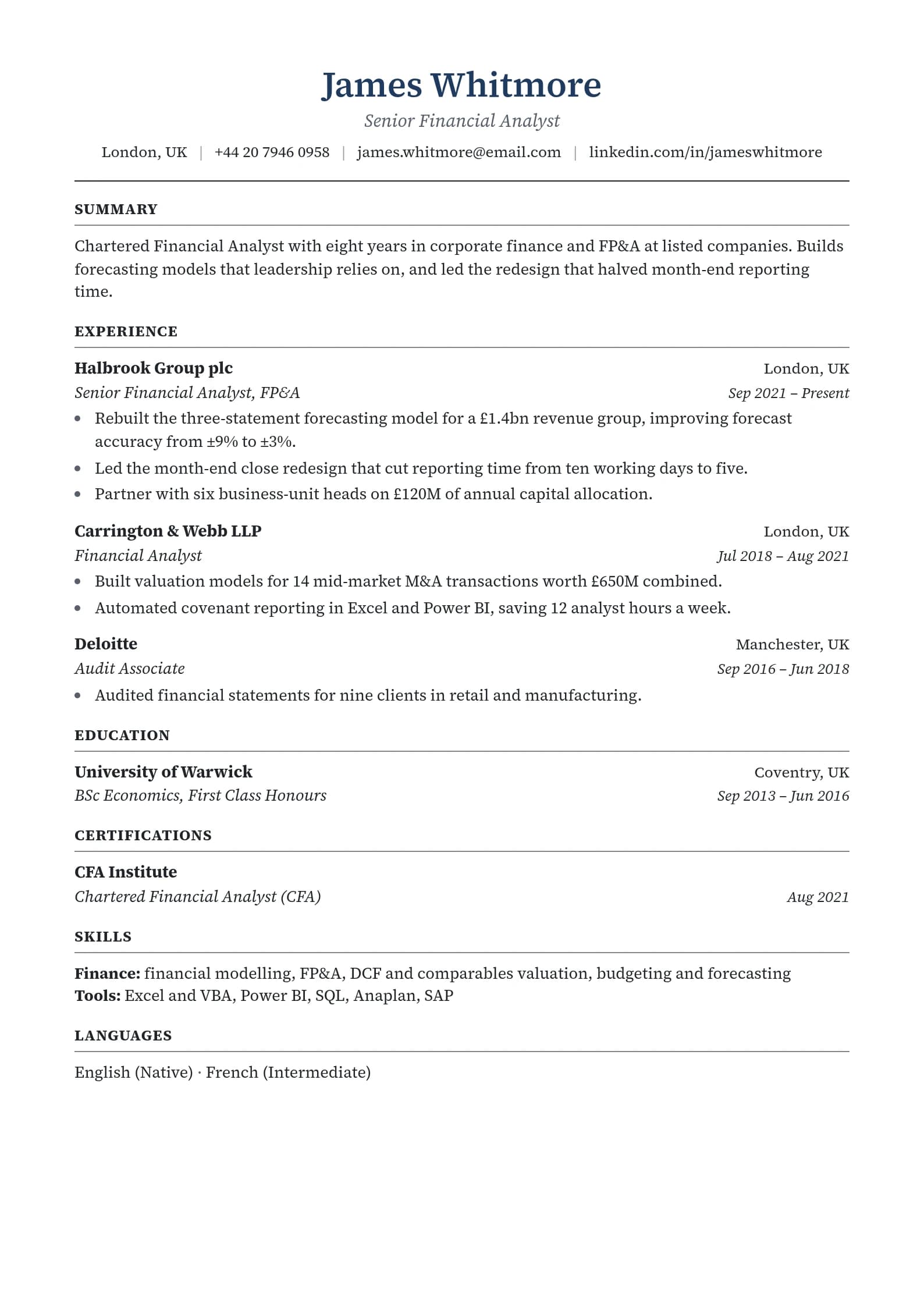
Build a resume that gets interviews
- ATS-optimized templates
- AI-powered writing
- Free to start
No credit card required
The best VisualCV alternatives in 2026 are FlowCV and Teal for a PDF you can download free, Kickresume if you also want a personal website template, Novoresume if you'd rather pay once, and ResumeFast for unlimited free building with your first PDF or Word download free. VisualCV's own free plan lets you create and preview a resume but not download it.
Disclosure: ResumeFast is our product. Prices come from each company's own pricing page, checked as a US visitor on October 6, 2026.
What VisualCV does well
VisualCV is built around the online resume. Its Pro plan adds shareable resume links, a personal professional website, resume analytics that track views and downloads, a cover letter builder and PDF downloads with no cap. It also offers one of the longest refund windows in the category: "If you're not satisfied with VisualCV for any reason within your first 30 days, simply email us and we'll refund your money" (pricing).
Why people look for an alternative
- No PDF on the free plan. VisualCV's comparison table marks PDF downloads, the cover letter builder and its ATS-friendly template as not included on free.
- Pro is $16 a month billed quarterly, so $48 at a time, with a pricier monthly option.
- Most applications want a file. If you're uploading to job sites rather than sharing a link, the online-resume features matter less.
Details: is VisualCV free?
VisualCV alternatives compared
| Builder | Free download | Online resume or website | Paid price |
|---|---|---|---|
| VisualCV | None on free | Yes, on Pro | $16 a month, billed quarterly |
| ResumeFast | Your first PDF or Word download, once per account | No | $6.95 a month |
| FlowCV | One resume, watermark-free PDFs | Not checked | Pro for more resumes |
| Teal | PDF downloads, unlimited resumes | No | $29 every 30 days |
| Kickresume | 4 basic templates | 1 website template free, 7 on Premium | $24 a month |
| Novoresume | One 1-page resume as PDF | No | $23.99 for a month, paid once |
1. ResumeFast: a file you can download free
Ours, so weigh it accordingly.
Build unlimited resumes and cover letters free, with 10 AI credits and one ATS check a month. Your first PDF or Word download is free and plain text is always free; after that, PDF and Word need Pro at $6.95 a month, billed monthly with no trial.
Where VisualCV is better: shareable links, a personal website and view analytics, none of which we offer.
2. Kickresume: closest to VisualCV's web features
Kickresume's free plan includes a basic personal website template alongside 4 resume templates, and Premium adds 7 website templates, 40+ resume templates and an AI Writer for $24 a month (pricing). See is Kickresume free?
3. FlowCV and Teal: free PDFs
FlowCV's free plan includes one resume with watermark-free PDFs (pricing); Teal's free plan downloads PDFs and includes 10 AI bullet credits (pricing).
4. Novoresume: pay once
Novoresume's passes ($23.99 for a month, $49.99 for three) never renew, and its free plan downloads one 1-page resume (pricing).
For every builder's price over a full search, see the resume builder pricing comparison.
Who should stay with VisualCV
- You share your resume as a link with clients or recruiters and want to see who opened it.
- You want a personal website and a resume in one subscription.
- You're inside the 30-day refund window and still deciding.
Frequently Asked Questions
Is there a free alternative to VisualCV?
Yes. FlowCV's free plan gives one resume with watermark-free PDFs, Teal's free plan downloads PDFs, and ResumeFast makes your first PDF or Word download free. VisualCV's own free plan doesn't include PDF downloads.
What does VisualCV Pro cost?
In October 2026 VisualCV Pro is $16 a month billed quarterly, with a 30-day money-back guarantee. A monthly option is also available at a higher monthly price.
Which resume builder has a personal website like VisualCV?
Kickresume includes one basic personal website template on its free plan and seven on Premium.
Need a file for applications? Build your resume free in ResumeFast, and your first PDF or Word download is free.
Your resume is your first impression. Make it count.
Build an ATS-optimized resume that gets read, with AI help on every section.
No credit card required. Your first PDF or Word download is free; after that, Pro is $6.95 a month.
Continue Reading
View all articles
Is Zety Free? Free to Build, Not to Download (2026)

Best Novoresume Alternatives and Similar Sites (2026)

Best Enhancv Alternatives and Similar Builders (2026)

Best MyPerfectResume Alternatives (2026)

5 Best Resume.io Alternatives (Cheaper in 2026)

Best Resume Now Alternatives in 2026 (Cheaper and Free)
Build a resume that gets interviews
Ready to build your resume?