
Resumake Shut Down: Best Alternatives and How to Edit Yours
Resumake.io closed in June 2026. How to edit an old Resumake resume from its .tex or JSON file, and the best LaTeX and non-LaTeX alternatives to switch to.

Raman M.
Software Engineer & Founder of ResumeFast

On this page
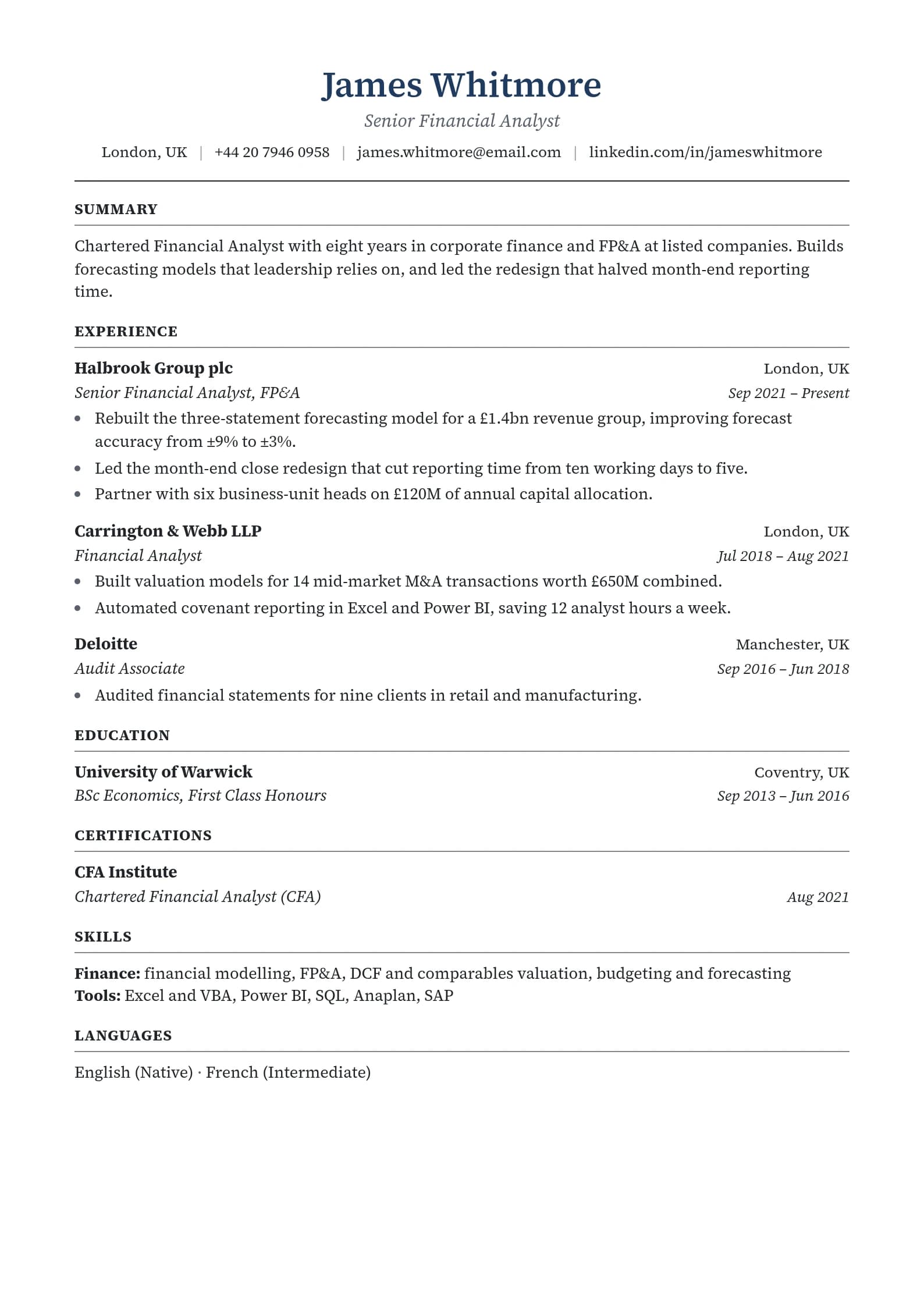
Build a resume that gets interviews
- ATS-optimized templates
- AI-powered writing
- Free to start
No credit card required
Resumake has shut down. Resumake.io now shows a farewell page from its creator, and the source code is preserved on GitHub. To keep editing a Resumake resume, open the .tex file it exported in Overleaf, or load its JSON file into JSON Resume tools. To start fresh, the best alternatives are Overleaf with a LaTeX template, JSON Resume, FlowCV and ResumeFast.
Disclosure: ResumeFast is our product. Facts about Resumake come from resumake.io and its GitHub repository, checked on October 6, 2026.
What happened to Resumake?
Resumake was a free, open-source LaTeX resume generator by Saad Quadri: fill in a form, pick a template, download a typeset PDF. The repository's README now says "The app has been retired," and the farewell page was committed on June 21, 2026. The original application code is kept on the repository's v2 branch.
On the farewell page, the creator points people to AI chat tools for drafting, to asking AI for LaTeX output compiled in Overleaf, and to ATS scanners such as Jobscan and Resume Worded. It also advises removing personal details before pasting a resume into any AI chat, which is good advice whatever tool you use.
How to edit a Resumake resume now
Resumake let you download your resume "as a PDF, TeX, or JSON document," per its README. Which file you kept decides the route:
| What you saved | How to edit it |
|---|---|
| The .tex file | Upload it to Overleaf, which has a free plan, and edit the LaTeX directly, or compile it locally with any LaTeX setup |
| The JSON file | Resumake's JSON is compatible with JSON Resume. Edit the text in any editor, then render it with the resume-cli tool (resume export resume.pdf) or a JSON Resume theme |
| Only the PDF | Copy the text out of the PDF, paste it into a document, and rebuild it in a new template or builder |
If you saved the JSON, keep it. It's a plain, portable copy of your resume that several tools can read, including YAMLResume, which the JSON Resume site lists as able to import it and render PDFs through LaTeX.
Resumake alternatives compared
| Tool | Cost | LaTeX look | Best for |
|---|---|---|---|
| Overleaf + a LaTeX template | Free plan | Yes | Developers comfortable editing LaTeX |
| Jake's Resume template | Free, open source | Yes | The classic one-page CS resume |
| JSON Resume | Free, open source | Depends on the theme | Keeping your resume as data |
| FlowCV | Free for one resume, watermark-free PDFs | No | A clean resume without code |
| ResumeFast | Free to build; your first PDF or Word download free | No | AI help with bullets and an ATS check |
1. Overleaf with a LaTeX template
If you liked Resumake's look, this is the direct replacement. Overleaf's free plan lets you edit and compile LaTeX in the browser, and Jake's Resume, a one-page template with thousands of stars on GitHub, is a popular format for software engineers. You trade Resumake's form for editing LaTeX yourself.
2. JSON Resume
JSON Resume stores your resume as a JSON file and renders it with themes from the command line. Its docs note the official CLI "isn't that actively maintained" and suggest an alternative, resumed. It suits developers who want a version-controlled resume.
3. FlowCV
FlowCV's free plan includes one resume, all templates and watermark-free PDFs (pricing). No LaTeX, no setup, and a clean result.
4. ResumeFast
Ours, so weigh it accordingly.
No LaTeX and no form-to-TeX pipeline. What you get instead: unlimited resumes free, 10 AI credits a month for rewriting bullets, one ATS check a month, and single-column templates. Your first PDF or Word download is free and plain text is always free. After that, PDF and Word need Pro at $6.95 a month. If you want the LaTeX typesetting itself, Overleaf is the better choice.
LaTeX and applicant tracking systems
A LaTeX PDF can parse well or badly depending on the template. Before you apply, copy all the text out of your PDF and paste it into a plain-text editor. Look for:
- Ligatures such as "fi" and "fl" pasting as single odd characters
- Columns reading across instead of down
- Symbols used as bullets or icons turning into gibberish
If the pasted text reads cleanly in order, you're fine. Our free keyword matcher then shows which terms from the job post are missing.
Write bullets that show impact
The format matters less than what each line says. A sample, with placeholders for your own numbers:
Before:
Worked on the backend using Python and PostgreSQL. Helped with deployment.
After:
Built a Python and PostgreSQL REST API serving [requests per hour], and cut deploy time from [before] to [after] by moving releases to a CI/CD pipeline
Grade yours with the free bullet point grader, and see our software engineer resume example for a full layout.
Frequently Asked Questions
Is Resumake still working?
No. Resumake.io now shows a farewell page, and its GitHub README says the app has been retired. The original source code is preserved on the repository's v2 branch.
How do I edit my Resumake resume?
If you saved the .tex file, open it in Overleaf or any LaTeX editor. If you saved the JSON file, it's compatible with JSON Resume, so you can edit it and render it with JSON Resume tools. If you only have the PDF, copy the text out and rebuild it.
What is the best free alternative to Resumake?
For the same LaTeX look, Overleaf's free plan with a template such as Jake's Resume. For a no-code option, FlowCV's free plan gives one resume with watermark-free PDFs.
Are LaTeX resumes ATS friendly?
Many are, especially single-column templates. Test yours by copying the PDF text into a plain-text editor: if it reads in order without odd characters, an ATS will most likely parse it.
Rebuilding without LaTeX? Start free in ResumeFast, and your first PDF or Word download is free. For every builder's price, see our resume builder pricing comparison.
Your resume is your first impression. Make it count.
Build an ATS-optimized resume that gets read, with AI help on every section.
No credit card required. Your first PDF or Word download is free; after that, Pro is $6.95 a month.
Continue Reading
View all articles
Best Free AI Resume Builders in 2026: What's Really Free

Is Jobscan Free? Free Scans, Pricing and the Trial (2026)

Is VisualCV Free? What the Free Plan Includes (2026)

Is Kickresume Free? Free Plan, Pricing and Refunds (2026)

Is Resume Now Free? Pricing, Trial and Refunds (2026)

Is Enhancv Free? Pricing, Free Plan and Refunds (2026)
Build a resume that gets interviews
Ready to build your resume?